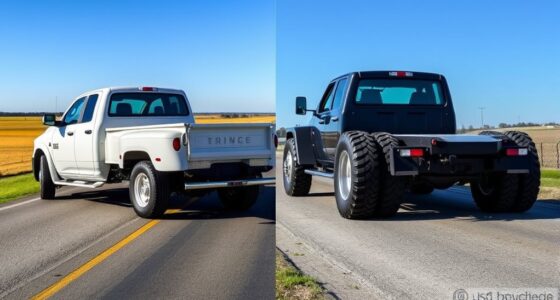

After installing larger tires, you need to recalibrate your speedometer for accurate readings. First, gather the right tools like an OBD2 scanner or GPS device to verify your speed. Connect a calibration device compatible with your vehicle, input the new tire size, and follow the prompts to adjust the settings. Use GPS to check accuracy during a test drive, and make fine adjustments. Keep reading to learn step-by-step instructions for a safe and precise calibration.
Key Takeaways
- Use a calibration tool or software compatible with your vehicle, such as an OBD2 scanner or aftermarket speedometer calibrator.
- Determine your new tire’s diameter or circumference and input this data into the calibration device or software.
- Verify accuracy by comparing your speedometer reading with a GPS speed app during a test drive.
- Make small adjustments in the calibration settings until your speedometer matches GPS readings at various speeds.
- Save the calibration settings, then periodically recheck to ensure ongoing accuracy, especially after tire pressure or wear changes.
Understanding the Impact of Larger Tires on Your Speedometer
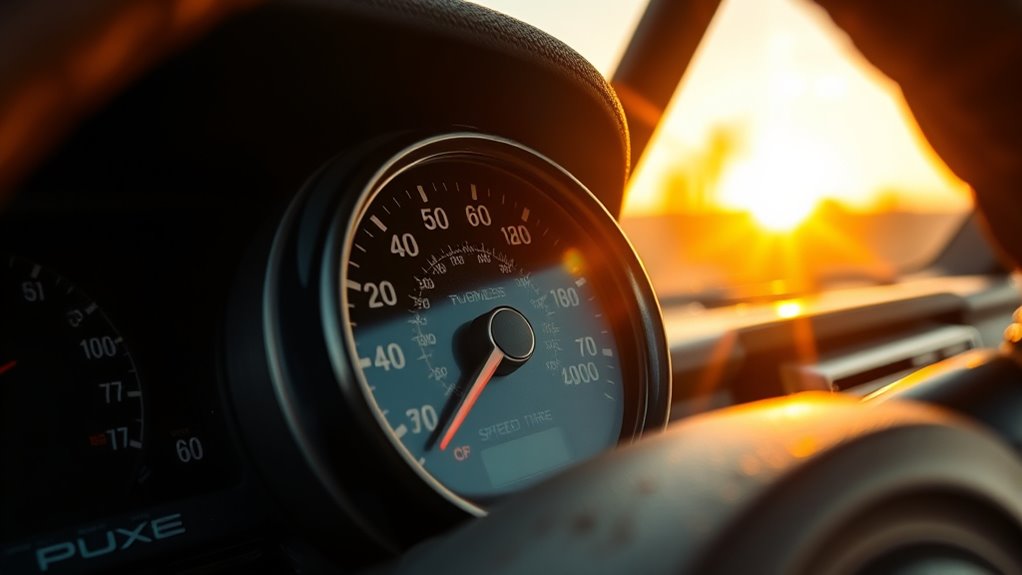
Larger tires directly affect your speedometer because they increase the distance your vehicle covers with each rotation. When you install bigger tires, each rotation moves your car farther than the stock size. This means your speedometer will now read lower than your actual speed because it’s calibrated for smaller tires. As a result, you might unknowingly drive faster than the speed displayed, which can lead to legal issues or safety concerns. Additionally, the odometer could record fewer miles, affecting your vehicle’s maintenance schedule and resale value. Fuel economy calculations may also become inaccurate, as the vehicle’s computer relies on correct tire size data. Understanding this impact helps you recognize the need for recalibration to ensure your speedometer reflects true speed and distance traveled. Proper calibration is essential for maintaining accurate vehicle readings and ensuring safe driving.
Gathering the Necessary Tools and Equipment for Calibration

To successfully recalibrate your speedometer after installing bigger tires, you’ll need to gather the right tools and equipment. First, identify your vehicle’s calibration method—whether electronic, mechanical, or software-based—so you can choose compatible tools. For electronic calibration, you’ll need devices like a Hypertech Speedometer Calibrator, Flashcal, or Forscan software with an OBD2 cable. If your vehicle uses a mechanical system, gear or cable replacement kits are necessary. Additionally, a GPS device or smartphone with a speed app is essential for verifying accuracy during and after calibration. Ascertain you have the vehicle’s manual handy for specific instructions and safety precautions. Having these tools ready before starting streamlines the process, saving time and reducing errors. Remember that understanding your vehicle’s speed measurement system is crucial for precise calibration.
Selecting the Appropriate Calibration Method for Your Vehicle

First, you need to contemplate if your vehicle is compatible with electronic or mechanical calibration methods. Next, explore the available tools and devices, like OBD2 scanners or factory scan tools, to find the best fit. Additionally, considering the calibration process is essential, as it can vary significantly depending on your vehicle’s make and model. Finally, choose a method that matches your vehicle’s specifications and your comfort level with the calibration process.
Vehicle Compatibility Considerations
Choosing the right calibration method depends heavily on your vehicle’s make, model, and year, as different cars have varying capabilities and restrictions. Some vehicles support electronic recalibration through specific tools, while others require dealership assistance or mechanical adjustments. Your vehicle’s system may limit options based on its onboard electronics or software restrictions. Additionally, understanding the European cloud innovation landscape can provide insights into advanced calibration tools and techniques. Modern trucks with digital dashboards often accept OBD2-based tools for quick adjustments. Older models with mechanical speedometers may need gear or cable replacements. Certain vehicles restrict recalibration to factory-approved tire sizes, limiting aftermarket options. Understanding your vehicle’s technology and restrictions helps you select the most effective method, ensuring accurate speedometer readings without risking damage or invalidating warranties.
Calibration Tool Options
Selecting the right calibration tool depends on your vehicle’s make, model, and year, as well as the complexity of its electronic systems. For modern vehicles with electronic speedometers, aftermarket devices like Hypertech Speedometer Calibrators or Flashcal are popular choices, allowing quick input of new tire sizes. OBD2-based tools, such as Forscan or generic scan tools, connect directly to your vehicle’s diagnostic port and adjust settings via software. Some vehicles, especially older models, require manual recalibration using GPS apps or mechanical gear replacements. Dealership recalibration is an option but often limited to factory-approved sizes. Evaluate your vehicle’s system and compatibility to choose the most efficient method, ensuring accuracy without unnecessary complexity. Additionally, understanding Youngster Choice can help you make informed decisions about vehicle modifications and calibrations.
Connecting and Setting Up Your Calibration Device

Connecting and setting up your calibration device is a straightforward process that guarantees accurate speedometer adjustments. First, turn off your vehicle’s ignition. Locate the OBD2 port, usually under the dashboard, and plug in your calibration device securely. Power on your vehicle, ensuring the device powers up correctly. Follow the device’s prompts to select your vehicle make, model, and the new tire size or diameter. You might see a screen with options like entering numerical values or selecting preset sizes. As you do this, picture yourself connecting a small, sleek gadget into a port hidden beneath the steering wheel, then steering through a simple menu on a bright display. Once set, you’re ready to proceed with the calibration process, confident your device is correctly configured. Understanding the importance of accurate calibration helps ensure your speedometer reflects real-world speeds precisely.
Verifying Speedometer Accuracy With GPS

To make certain your speedometer is accurate after recalibration, use a reliable GPS device to compare your actual speed with the reading. It’s important to perform multiple test runs at different speeds to get consistent results. This way, you can confirm your calibration is spot on before hitting the road. Additionally, understanding speedometer accuracy can help you interpret your results more effectively.
Use a Reliable GPS Device
Using a reliable GPS device is one of the most accurate ways to verify your speedometer’s calibration after making tire size adjustments. It provides a precise reading of your actual speed, helping you compare it to your vehicle’s speedometer. To guarantee accuracy, find a flat, open area free of interference, and accelerate to a steady speed. Then, watch the GPS display and note the speed. Verifying speed accuracy is essential for ensuring your calibration is correct and safe for driving.
- Visualize the GPS screen showing your current speed, clear and bright against the dashboard.
- Imagine the sound of the vehicle’s engine as you maintain a constant pace.
- Picture yourself confidently confirming your speed matches the GPS reading, adjusting if necessary.
Using GPS offers real-time validation, giving you confidence in your speedometer’s accuracy after calibration.
Conduct Multiple Test Runs
After completing your initial calibration, it’s important to perform multiple test runs to verify your speedometer’s accuracy. Drive at different speeds on a flat, open road, and compare your GPS reading to the speedometer. Record the results to identify any discrepancies. Repeat this process at low, medium, and high speeds for consistency. To make it clear, here’s a quick reference:
| Speed (mph) | GPS Reading | Speedometer Reading |
|---|---|---|
| 30 | 30 | 28 |
| 60 | 61 | 58 |
| 80 | 79 | 76 |
If readings are off, make small adjustments and test again. Multiple runs ensure your calibration is precise and reliable. Additionally, understanding speedometer accuracy can help you interpret your results more effectively.
Making Adjustments and Saving Settings

Once you’ve entered the new tire size into your calibration device, it’s important to make precise adjustments to guarantee your speedometer reads accurately. Carefully fine-tune the settings by following the device instructions, ensuring your readings match your GPS data. Take your time to make small adjustments and verify the results with steady driving tests. When satisfied, save your changes to lock in the new calibration. Imagine:
- Seeing your speedometer needle glide smoothly to the correct speed
- Watching the digital display update instantly as you adjust
- Feeling confident that your vehicle reflects real-world speeds accurately
- Understanding how proper calibration helps maintain your vehicle’s safety and legal compliance
These steps help prevent future inaccuracies and ensure safe, legal driving. Once saved, disconnect the device and proceed with your final checks to confirm everything remains precise.
Final Checks and Ensuring Long-Term Accuracy
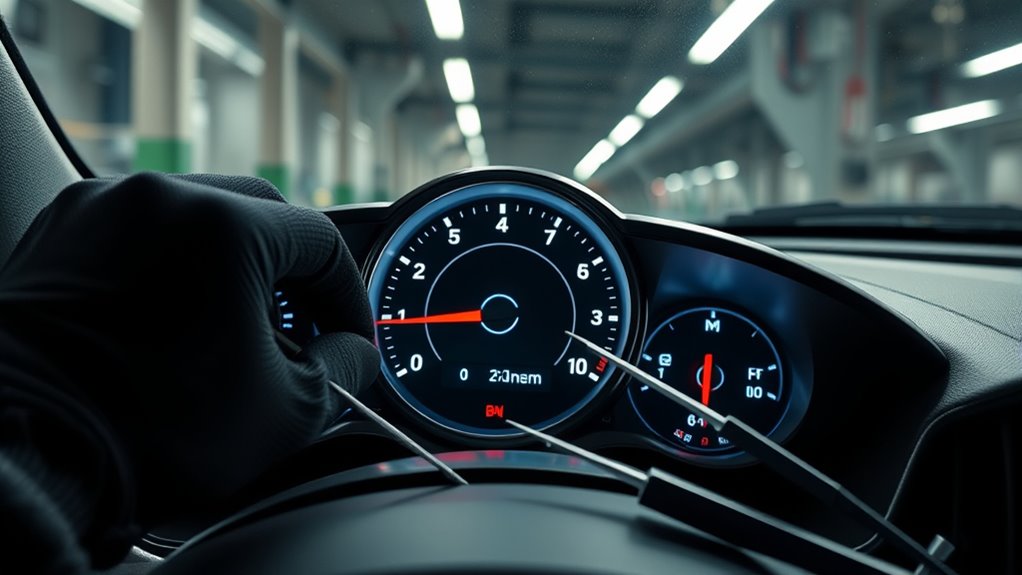
With your calibration settings saved and the device disconnected, it’s time to verify that everything remains accurate over time. Take your vehicle for a test drive at different speeds, using GPS to compare actual speed with your speedometer reading. This helps confirm the calibration’s accuracy across various conditions. Check your odometer to ensure it records distance correctly. Regularly recheck your speedometer after significant tire wear or pressure changes, as these can affect accuracy. If discrepancies appear, repeat the calibration process to fine-tune your settings. Maintain proper tire pressure and inspect tires periodically, since changes can impact speedometer readings. By performing these routine checks, you ensure your speedometer stays accurate long-term, keeping you safe and compliant with speed regulations.
Frequently Asked Questions
Can I Calibrate My Speedometer Without Professional Help?
Yes, you can calibrate your speedometer without professional help. You’ll need a calibration device compatible with your vehicle, like a Hypertech or Forscan, and a GPS for accuracy verification. Connect the device to your OBD2 port, follow its instructions to input your new tire size, and drive at steady speeds to compare readings. Make adjustments as needed, save your settings, and check your calibration regularly for consistency.
What Are the Risks of Incorrect Speedometer Calibration?
Incorrect speedometer calibration can lead to serious issues. You might unintentionally speed, risking fines or accidents. It can also cause inaccurate odometer and fuel economy readings, affecting maintenance and resale value. Plus, improper calibration might delay transmission shifts or cause performance problems. To avoid these risks, always calibrate your speedometer correctly after changing tire sizes, using reliable tools or professional help, and verify accuracy with GPS.
How Often Should I Recalibrate After Installing Bigger Tires?
You should recalibrate your speedometer every time you change tire sizes, like a fashionista updating wardrobe essentials. Bigger tires throw off your speed readings, odometer, and fuel economy, so don’t delay. Check your calibration after installation using GPS, and recheck periodically if you notice inaccurate readings or significant tire wear. Staying on top ensures you’re not unwittingly speeding or losing track of your vehicle’s true performance—because honesty on the road matters.
Will Calibration Affect My Vehicle’s Warranty?
Calibration generally doesn’t affect your vehicle’s warranty if you use approved tools and follow proper procedures. However, if you use aftermarket devices or make modifications that cause damage, it could potentially impact your warranty coverage. Always check your vehicle’s warranty terms and consult your dealer before performing calibration. Staying within manufacturer-recommended methods helps guarantee your warranty remains intact while maintaining accurate speedometer readings.
Is Calibration Necessary for All Tire Size Changes?
Did you know that larger tires can cause your speedometer to be off by up to 10%? Calibration isn’t necessary for all tire size changes, but it’s highly recommended whenever you switch to bigger tires. Without recalibration, your readings will be inaccurate, affecting your odometer, fuel economy, and safety. To keep everything precise and legal, you should calibrate your speedometer whenever you alter your tire size considerably.
Conclusion
By calibrating your speedometer after installing bigger tires, you’ll make sure your speed readings stay accurate, avoiding potential tickets or safety issues. Think of it as fine-tuning a guitar—without it, your ride could sound off in a symphony of inaccuracies. Take the time to verify and adjust, so your vehicle stays in perfect harmony with the road. With a little effort, you’ll keep your driving precise and reliable, no matter how much your tires grow.