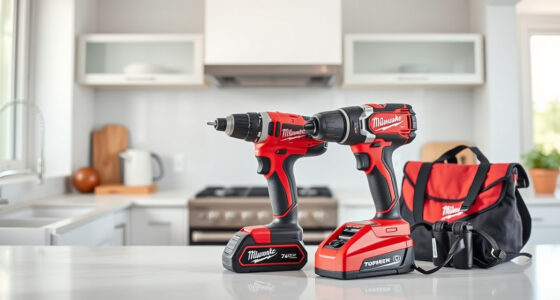
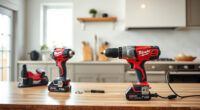
Proper maintenance of your DEWALT power tools is essential to keep them performing at their best and to extend their lifespan. Whether you’re a DIY enthusiast or a professional, understanding how to care for your tools can prevent costly repairs and downtime. This guide provides step-by-step instructions, safety tips, and troubleshooting advice specifically tailored for DEWALT power tools, with a focus on the popular DEWALT 20V MAX Cordless Drill and Impact Driver.

Get business pricing on garage and car supplies
- Business-only prices and quantity discounts
- Tax-exempt purchasing
- Multiple users, one account, clear invoices
From basic cleaning routines to more advanced troubleshooting, you’ll learn everything you need to keep your tools in top condition. Regular maintenance not only improves efficiency but also ensures safety during operation. Let’s begin with what you need to get started.
Key Takeaways
| Regular Cleaning | Clean tools after each use to prevent dust and debris buildup. |
| Battery Care | Keep batteries charged, stored properly, and avoid extreme temperatures. |
| Lubrication & Inspection | Lubricate moving parts and inspect for wear or damage regularly. |
| Troubleshooting Basics | Identify common issues like poor battery life or tool overheating. |
| Safe Maintenance | Always disconnect power sources before servicing to avoid accidents. |
Preparing Your DEWALT Power Tools for Maintenance
- Ensure the tool is unplugged or the battery is removed before any maintenance.
- Gather necessary tools: soft cloths, brushes, lubricants, and replacement parts if needed.
- Work in a clean, well-lit area to avoid losing small components and to stay safe.
Cleaning Your Power Tools
Regular cleaning is vital to remove dust, debris, and residue that can impair performance. Use a soft, dry cloth to wipe down the exterior, paying attention to vents and air intakes. For stubborn dirt, slightly dampen the cloth with water or a mild cleaning solution, but avoid excess moisture, especially near electrical components.
Use a small brush or compressed air to clear out dust from vents, switch areas, and around the chuck. Never use harsh chemicals or solvents that can damage plastic parts or lubricants.
Battery Maintenance and Care
Batteries are a critical component of your cordless tools. Keep batteries in a cool, dry place and avoid exposing them to extreme temperatures, which can reduce lifespan. Regularly check the LED indicator to monitor charge levels and recharge when the power drops below 20%. Avoid letting batteries completely drain or be left fully charged for extended periods, as this can lead to capacity loss.
Store batteries separately from the tool when not in use for long periods and avoid physical damage or punctures.
Lubrication and Mechanical Inspection
Some moving parts, like the chuck and gear assemblies, benefit from periodic lubrication. Use manufacturer-recommended lubricants and apply sparingly to avoid attracting dust. Check for loose screws, worn brushes, or damaged cords/hoses. Replace worn brushes or damaged parts promptly to prevent further damage and maintain performance.
Inspect the tool’s casing for cracks or damage, and ensure all switches and triggers operate smoothly.
Troubleshooting Common Issues
- Tool does not turn on: Check battery charge level, ensure it’s properly seated, or try a different battery.
- Reduced power or overheating: Allow the tool to cool down, clean vents, and inspect for debris or worn brushes.
- Battery not holding charge: Replace the battery if it’s old or shows signs of damage.
- Chuck or bits slipping: Tighten the chuck or replace worn bits and check for proper bit insertion.
The Products in This Guide

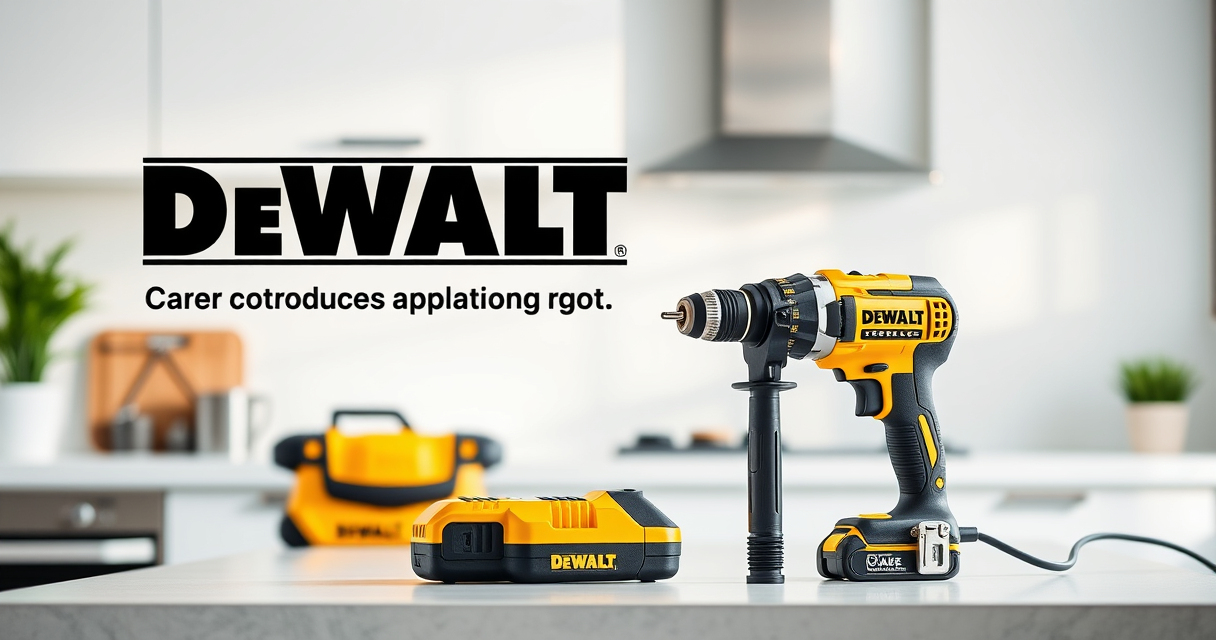
DEWALT 20V MAX Cordless Drill and Impact Driver
- ✔ Model: DCK277D2
- ✔ Voltage: 20V MAX
- ✔ Battery Capacity: 5.0 Ah

DEWALT Drill Bit Set
- ✔ Pieces: 14
- ✔ Material: High-Speed Steel
- ✔ Tip: Split point
DEWALT 20V MAX Cordless Drill and Impact Driver
The DEWALT 20V MAX Cordless Drill and Impact Driver (DCK277D2) offers a compact, lightweight design with powerful brushless motors. Its ergonomic grip and bright LED make it easy to handle in tight or dark spaces. Regular maintenance of this versatile tool ensures long-lasting performance and safety during use.
Pros:
- Compact and lightweight design for ease of use
- Brushless motors for efficiency and durability
- Includes 2 batteries and charger
- Bright LED for visibility
- Quick release hex chuck for fast bit changes
Cons:
- Battery life may require frequent recharging for heavy use
- Charging time can be longer depending on the battery level
Best for: DIY projects, home repairs, light to medium professional work
Not ideal for: Heavy-duty industrial applications
Bottom line: A reliable, versatile cordless drill and impact driver combo perfect for various tasks.
DEWALT Drill Bit Set
The DEWALT 14-piece drill bit set features durable high-speed steel bits with a 135-degree split point tip, ideal for drilling into plastic, wood, and metal. The black and gold coating prevents rust, and the 3-flats shank ensures a secure fit in the chuck, making this set a perfect companion for your DEWALT drills.
Pros:
- Durable high-speed steel construction
- Includes a variety of sizes for versatility
- Rust-resistant coating
- Secure fit with 3-flats shank
Cons:
- Limited to 14 pieces, may need additional sizes
- Not suitable for heavy industrial use
Best for: Home workshops, DIY projects, light professional work
Not ideal for: Heavy-duty industrial drilling
Bottom line: A versatile, durable drill bit set that complements your DEWALT drill perfectly.
Frequently Asked Questions
How often should I clean my DEWALT power tools?
It’s best to clean your tools after each use, especially if used in dusty or dirty environments. Regular cleaning prevents debris buildup that can impair performance.
What type of lubricant should I use for maintenance?
Use manufacturer-recommended lubricants suitable for power tools, typically light machine oil, to lubricate moving parts like chucks and gear assemblies.
How can I extend the battery life of my DEWALT tools?
Store batteries in a cool, dry place, avoid extreme temperatures, and recharge before they are completely drained. Regularly inspect for damage and replace old batteries.
What should I do if my tool overheats?
Turn off the tool and let it cool down. Clear any dust from vents, check for debris, and inspect brushes or motor components if overheating persists.
Is it safe to use damaged power cords or batteries?
No, damaged cords or batteries pose a risk of electric shock or fire. Replace damaged components immediately and avoid using the tool until repaired.
Keep Your DEWALT Tools in Prime Condition for Peak Performance
Regular maintenance and troubleshooting are key to ensuring your DEWALT power tools remain reliable and efficient for years to come. By following the cleaning routines, proper battery care, and inspection tips outlined in this guide, you can prevent many common issues and extend the lifespan of your tools. Remember, safety always comes first—disconnect power sources before any servicing or cleaning. With proper care, your DEWALT tools will continue to perform at their best, helping you complete projects with confidence and ease.
Affiliate disclosure: As an Amazon Associate we earn from qualifying purchases. Prices and availability are accurate as of the time of publishing.