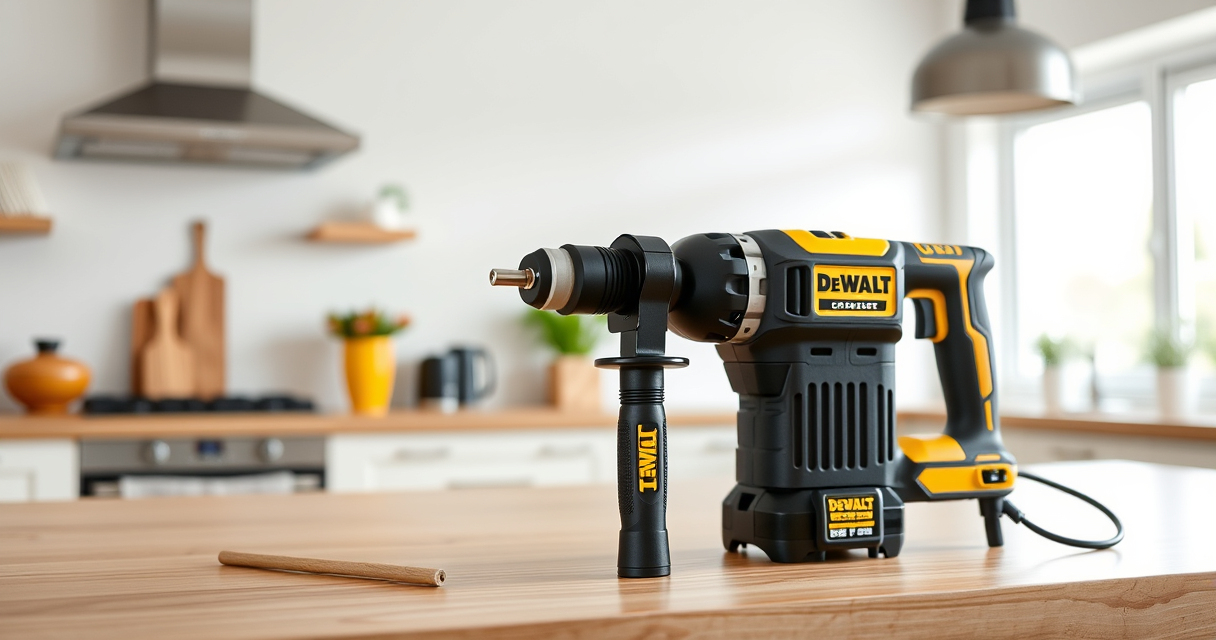
If your DEWALT cordless drill or power tool isn’t charging, it can be frustrating, especially when you’re in the middle of a project. This guide provides clear, safe steps to diagnose and fix common charging problems, so you can get back to work with confidence.

Get garage and car supplies delivered free — and shop member deals
- Fast, free delivery on millions of items
- Access to Prime Big Deal Days deals on October 6–7
- Prime Video, Amazon Music and more included
Before starting, ensure your charger and battery are compatible and in good condition. Follow these steps carefully to troubleshoot and resolve charging issues effectively.
Key Takeaways
| Battery connection | Check for proper contact between battery and charger. |
| Charger status | Ensure the charger indicator lights up correctly. |
| Battery health | Test if the battery holds a charge or needs replacement. |
| Power source | Verify the outlet or power strip is functioning. |
| Clean contacts | Remove dirt or debris from battery and charger contacts. |
Step 1: Inspect the Battery and Charger
- Remove the battery from the tool and examine the contacts for dirt, dust, or corrosion. Clean gently with a dry cloth if needed.
- Check the charger for any visible damage or loose parts.
- Ensure you’re using the correct charger model for your battery (e.g., DEWALT charger for 20V MAX batteries).
Step 2: Verify Power Source and Connections
- Plug the charger into a working outlet, and avoid extension cords if possible.
- Press the charger’s power button (if applicable) and observe the indicator lights.
- Test the outlet with another device to confirm it supplies power.
Step 3: Test the Battery
- Insert the battery fully into the charger and observe the indicator lights.
- If the battery doesn’t show any light or remains uncharged after several hours, try a different compatible battery to isolate the issue.
- If the new battery charges normally, the original battery may be faulty.
Step 4: Reset and Reinstall
- Remove the battery and unplug the charger.
- Wait for 10-15 minutes before reconnecting everything.
- Reinstall the battery and reconnect the charger, then observe the charging indicator.
Additional Tips and Warnings
- Always use original DEWALT chargers and batteries to ensure compatibility and safety.
- A faulty charger or battery may need replacing; consider contacting DEWALT support if issues persist.
- Do not attempt to modify or repair internal charger components yourself.
- Keep chargers and batteries away from water, extreme heat, or magnetic fields.
The Products in This Guide

DEWALT 20V MAX Cordless Drill Driver Set
- ✔ Weight: 3.4 lbs
- ✔ Chuck Size: 1/2 inch
- ✔ Speed Settings: 2

DEWALT Drill Bit Set
- ✔ Size Range: Various
- ✔ Split Point: Yes
- ✔ Web Design: Tapered
DEWALT 20V MAX Cordless Drill Driver Set
The DEWALT 20V MAX Cordless Drill Driver Set is a versatile, lightweight tool with a brushless motor that delivers more run time and power. It features a compact design, LED work light, and a 2-speed transmission, making it ideal for various tasks.
Pros:
- Long-lasting brushless motor
- Compact and lightweight
- Includes 2.0 Ah battery and charger
- Ergonomic grip for comfort
Cons:
- Battery life may vary with heavy use
- Limited to 20V MAX system
Best for: DIY enthusiasts and professionals needing a reliable drill for general-purpose work
Not ideal for: Heavy-duty industrial applications requiring more power
Bottom line: A compact, powerful drill perfect for versatile tasks around the home and jobsite.
DEWALT Drill Bit Set
This DEWALT Drill Bit Set features durable high-speed steel bits with a 135-degree split point for reduced walking, making it ideal for plastic, wood, and metal projects.
Pros:
- High durability
- Corrosion-resistant coating
- Includes multiple sizes
- Easy to identify sizes
Cons:
- Bits can be brittle if misused
- Limited to specific materials
Best for: General DIY, woodworking, and light metal work
Not ideal for: Heavy industrial drilling
Bottom line: A versatile drill bit set that enhances your drilling projects with durability and precision.
Frequently Asked Questions
Why won’t my DEWALT battery charge?
Possible causes include dirty contacts, a faulty charger, or a worn-out battery. Follow the troubleshooting steps to identify the issue.
How do I clean the battery contacts?
Use a dry, soft cloth to gently wipe the contacts. Avoid using water or abrasive materials that could damage the contacts.
Can I leave my battery on the charger overnight?
Yes, DEWALT chargers are designed to prevent overcharging. However, it’s best to remove the battery once fully charged to prolong battery life.
When should I replace my DEWALT battery?
If your battery no longer holds a charge after troubleshooting, or if it shows signs of physical damage, it’s time for a replacement.
Getting Your DEWALT Power Tools Charging Again
Proper maintenance and troubleshooting can resolve most charging issues with your DEWALT tools. Always use genuine parts, keep contacts clean, and verify your power source. If problems persist, contacting DEWALT support or replacing faulty batteries or chargers is recommended to ensure safety and optimal performance.
Affiliate disclosure: As an Amazon Associate we earn from qualifying purchases. Prices and availability are accurate as of the time of publishing.
Fall Picks
fall essentials
As an affiliate, we earn on qualifying purchases.