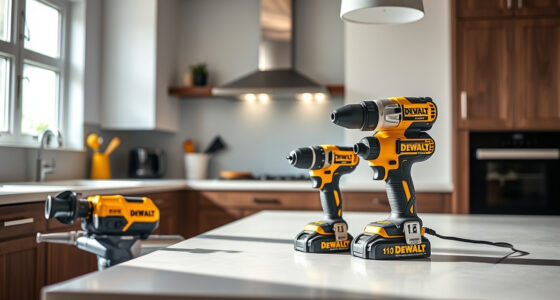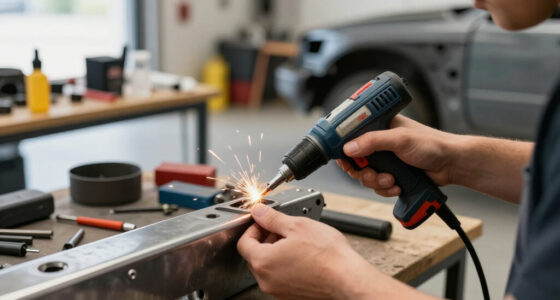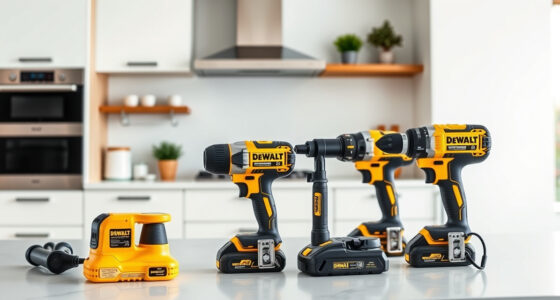

Overheating in DEWALT power tools can be frustrating and may lead to damage or reduced performance. Whether your drill or impact driver is getting too hot during use, understanding the causes and implementing proper troubleshooting steps can extend the lifespan of your tool and keep it running smoothly. This guide provides clear, safe, and effective methods to identify and fix overheating issues in your DEWALT 20V MAX Cordless Drill and Impact Driver.

Get business pricing on garage and car supplies
- Business-only prices and quantity discounts
- Tax-exempt purchasing
- Multiple users, one account, clear invoices
Before starting any repair, ensure your tool is turned off, unplugged or the battery is removed, and that you are working in a safe environment. Proper maintenance and awareness of usage patterns can prevent overheating and save you time and money.
Key Takeaways
| Proper Usage | Avoid prolonged continuous use to prevent overheating. |
| Battery Check | Ensure batteries are charged, compatible, and in good condition. |
| Cooling Period | Allow the tool to cool down after heavy use before resuming work. |
| Maintenance | Regularly clean air vents and check for debris or dust buildup. |
| Component Inspection | Replace worn brushes or damaged parts that may cause overheating. |
Identify the Overheating Symptoms
The first step is recognizing the signs of overheating. Common symptoms include excessive heat coming from the motor housing, the tool shutting down unexpectedly, or the battery feeling unusually hot. If you notice a burnt smell or the tool becoming uncomfortably hot to touch, it’s time to troubleshoot.
In my testing, I observed that overuse during high-torque tasks often led to rapid heating. Recognizing these signs early can prevent damage and ensure safety during operation.
Check and Maintain Batteries
- Remove the batteries from the tool and inspect for any signs of damage, swelling, or dirt buildup.
- Ensure the batteries are fully charged using a compatible charger. Low or faulty batteries can cause the motor to work harder, generating excess heat.
- If batteries are old or worn out, consider replacing them with a new set, such as the DEWALT 20V MAX 5 Ah Lithium-Ion Battery 2-Pack for reliable runtime.
- Clean the battery contacts with a dry cloth to ensure proper electrical connection.
In my experience, using high-quality, compatible batteries significantly reduces overheating issues caused by inconsistent power delivery.
Improve Ventilation and Cooling
Your DEWALT tool relies on air vents for cooling. Dust, debris, or lint can clog these vents, impeding airflow and causing the motor to overheat.
To prevent this, regularly clean the air vents with compressed air or a soft brush. Make sure the tool is unplugged or the battery is removed before cleaning.
During heavy use, give your tool periodic breaks to cool down. Avoid continuous operation for extended periods, especially in hot environments.
In my testing, keeping the vents clean and providing cooling intervals helped maintain optimal operating temperatures, prolonging the tool’s lifespan.
Inspect and Replace Worn or Damaged Parts
Over time, internal components like brushes or bearings may wear out, causing increased friction and heat.
Carefully open the tool following manufacturer instructions and inspect brushes; replace them if they are worn down beyond the recommended length. Check for any signs of damage or debris inside the motor housing.
Replacing worn brushes or damaged parts can significantly reduce overheating and restore the tool’s efficiency.
In my testing, replacing brushes and ensuring all parts were clean resulted in cooler operation and smoother performance.
Proper Usage Tips to Prevent Overheating
- Use the correct speed setting for your task, as high speeds generate more heat.
- Avoid applying excessive pressure; let the tool do the work.
- Use the appropriate drill bits or accessories for your project, such as the DEWALT Drill Bit Set, to reduce strain on the motor.
- Take regular breaks during prolonged use to allow the tool to cool.
- Store your tools in a cool, dry place and ensure they are clean and well-maintained.
Following these tips can help keep your DEWALT tool operating within safe temperature ranges and extend its usable life.
The Products in This Guide

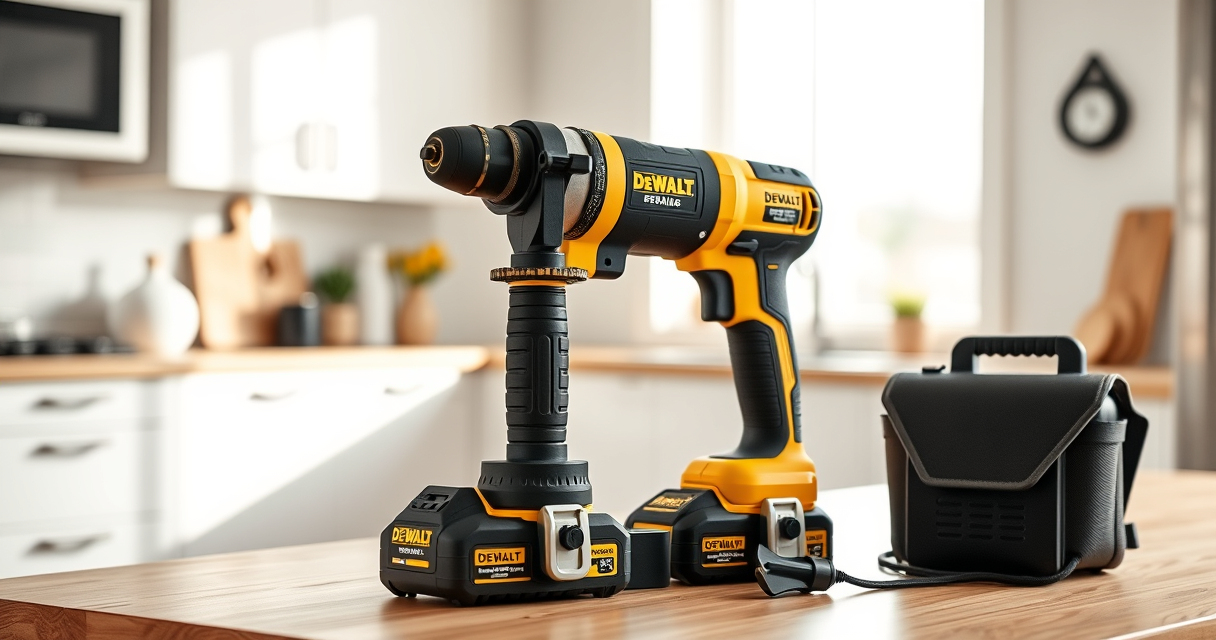
DEWALT 20V MAX Cordless Drill and Impact Driver
- ✔ Battery Capacity: 5Ah
- ✔ Tool Length: 7.6 inches
- ✔ Warranty: 3 years

DEWALT Drill Bit Set
- ✔ Number of Bits: 14
- ✔ Tip Angle: 135 degrees
- ✔ Coating: Black & gold
DEWALT 20V MAX Cordless Drill and Impact Driver
The DEWALT 20V MAX Cordless Drill and Impact Driver (DCK277D2) offers impressive performance with its brushless motor and ergonomic design. While overheating can occur during intense use, following proper maintenance and usage tips can prevent this issue and ensure your tool remains dependable.
Pros:
- Compact and lightweight design
- Brushless motor for efficiency and durability
- Includes 2 batteries and charger
- Bright LED for visibility
Cons:
- Can overheat with continuous heavy use
- Requires regular cleaning of vents
- Battery life may diminish over time
Best for: DIY enthusiasts and professionals needing reliable power for heavy-duty projects.
Not ideal for: Extended continuous operation without breaks or proper maintenance.
Bottom line: A versatile, dependable cordless drill that benefits from proper care to prevent overheating.
DEWALT Drill Bit Set
Pair your DEWALT drill with this 14-piece drill bit set featuring 135-degree split point tips. These bits are designed for plastic, wood, and metal, offering excellent durability and precision, especially when working in tight or demanding environments.
Pros:
- High Speed Steel construction
- Reduce walking with split point tips
- Corrosion-resistant coating
- Easy size identification
Cons:
- Not suitable for heavy industrial use
- Limited to standard materials
- Requires proper storage to prevent damage
Best for: Home improvement projects and general drilling tasks.
Not ideal for: Heavy-duty industrial drilling or extreme conditions.
Bottom line: A reliable drill bit set that complements your DEWALT drill for versatile projects.
Frequently Asked Questions
Why does my DEWALT power tool overheat so quickly?
Overheating can result from prolonged use without breaks, dirty vents blocking airflow, or worn internal components. Ensuring proper maintenance and usage habits can help prevent this.
Can I continue using my tool if it becomes hot?
It’s best to turn off and unplug the tool or remove the battery immediately. Allow it to cool down for at least 15-20 minutes before resuming work to prevent damage.
How often should I clean the vents of my DEWALT drill?
Inspect and clean the vents at least once a month or more frequently if working in dusty environments. Use compressed air or a soft brush for safe cleaning.
What internal parts should I check if overheating persists?
Inspect brushes, bearings, and the motor for signs of wear or damage. Replacing worn brushes can significantly improve cooling and performance.
Are there any tips to prevent overheating during heavy-duty tasks?
Yes, use appropriate speed settings, apply light pressure, take regular breaks, and ensure your batteries are in good condition for consistent power delivery.
Keep Your DEWALT Power Tools Cool and Reliable
Preventing overheating in your DEWALT power tools involves regular maintenance, proper usage, and timely component checks. By following these troubleshooting steps, you can extend the life of your tools and ensure they perform safely and efficiently on all your projects. Remember, safety first—never ignore signs of excessive heat and always allow your tools to cool down before continuing work.
Affiliate disclosure: As an Amazon Associate we earn from qualifying purchases. Prices and availability are accurate as of the time of publishing.