DEWALT power tools are renowned for their durability and performance, but overheating can sometimes occur, leading to downtime and potential damage. Understanding the causes of overheating and knowing how to troubleshoot safely can extend your tool’s lifespan and ensure continued productivity.

Get business pricing on garage and car supplies
- Business-only prices and quantity discounts
- Tax-exempt purchasing
- Multiple users, one account, clear invoices
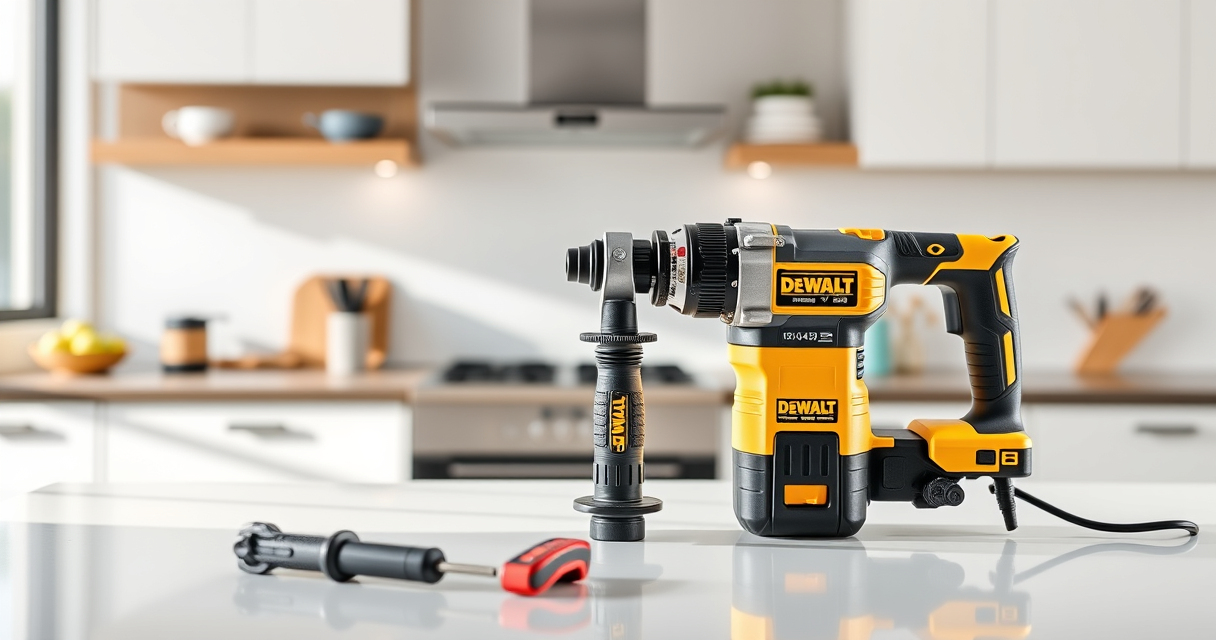
In this guide, we’ll walk you through the common reasons why your DEWALT tools overheat, provide clear, step-by-step fixes, and share essential tips to prevent future issues—focusing specifically on the DEWALT 20V MAX Cordless Drill and Impact Driver (ASIN: B0C3PQHGR7).
Key Takeaways
| Overheating Causes | Battery issues, overuse, or debris can cause tools to heat up. |
| Prevention Tips | Regular maintenance and proper usage extend tool life. |
| Troubleshooting Steps | Identify overheating signs, check vents, and inspect batteries. |
| Safe Fixes | Allow cooling, clean vents, and replace faulty batteries. |
Understanding Why Your DEWALT Tool Overheats
Overheating in DEWALT power tools, like the cordless drill and impact driver, typically occurs when internal components or batteries become stressed. Common causes include excessive use beyond recommended durations, obstructions blocking vents, or battery issues such as poor contact or degraded cells.
High temperatures can lead to reduced performance, safety hazards, or long-term damage if not addressed promptly. Recognizing early signs—such as warm to the touch components, a burning smell, or a sudden loss of power—is essential for timely intervention.
Step 1: Turn Off and Unplug Your Tool
- Immediately cease operation when you notice overheating signs.
- Switch the tool off using the trigger or power button.
- If your model has a battery pack, remove it carefully.
This step prevents further heat buildup and reduces the risk of damage or injury. Never attempt to fix an overheating tool while it’s still powered on.
Step 2: Allow the Tool to Cool
Place the tool in a well-ventilated area and let it cool down naturally. This process can take 15-30 minutes depending on the severity of the heat.
Avoid placing the tool in direct sunlight, near a heat source, or in a cold environment—both can cause additional stress or condensation inside the device.
Step 3: Inspect and Clean Vents and External Parts
- Use a soft brush or compressed air to gently remove dust, debris, or lint from vents and cooling channels.
- Check for any blockages or damage to the vents that could impede airflow.
- Ensure the battery contacts are clean and free of corrosion.
Good airflow is vital for heat dissipation. Regular cleaning prevents overheating caused by dirt buildup.
Step 4: Examine the Battery
Remove the battery pack and inspect it for swelling, corrosion, or damage. Test with a different, fully charged battery if available.
If your battery shows signs of wear or poor charging, replace it with a compatible DEWALT 20V MAX 5 Ah lithium-ion battery (ASIN: B07DH55YRX). Using a healthy battery prevents overheating due to poor power delivery.
Step 5: Test the Tool After Cooling and Cleaning
- Reassemble the tool with a fresh or inspected battery.
- Operate it in a controlled, moderate workload environment.
- Monitor for overheating signs or abnormal sounds.
If the tool runs smoothly without heating, it was likely a temporary issue. If overheating persists, further diagnosis may be necessary.
Additional Tips and Precautions
- Always use the correct accessories and bits recommended for your DEWALT model.
- Do not overload the tool—alternate use with breaks to prevent excessive heat buildup.
- Store the tool in a cool, dry place when not in use.
- Regularly inspect and replace worn batteries or parts.
Safety is paramount. Never attempt repairs inside the tool or modify components yourself.
The Products in This Guide

DEWALT 20V MAX Cordless Drill and Impact Driver
- ✔ Tool length: 7.6 inches
- ✔ Battery capacity: 5 Ah
- ✔ Warranty: 3 years

DEWALT Drill Bit Set
- ✔ Number of bits: 14
- ✔ Tip design: Split point
- ✔ Coating: Rust-resistant
DEWALT 20V MAX Cordless Drill and Impact Driver
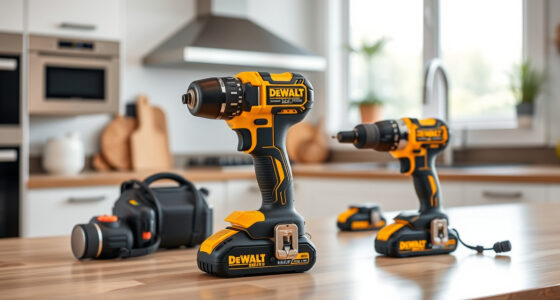
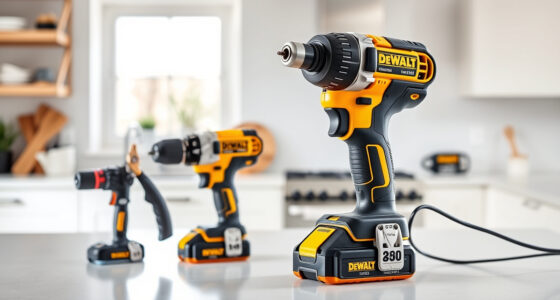
The DEWALT 20V MAX Cordless Drill and Impact Driver (DCK277D2) offers a compact, lightweight design with excellent ergonomics and performance. It features a brushless motor, variable speed control, and a bright LED for visibility, making it suitable for a wide range of tasks. Proper maintenance and troubleshooting can keep this tool running smoothly for years.
Pros:
- Compact and lightweight
- Brushless motor for efficiency
- Includes 2 batteries and charger
- Bright LED for dark spaces
Cons:
- Battery life can vary with heavy use
- Vents can get clogged with dust
- Requires regular maintenance for longevity
Best for: DIY enthusiasts and professional contractors needing reliable cordless power
Not ideal for: Heavy-duty industrial applications requiring continuous runtime
Bottom line: A versatile, reliable cordless drill and impact driver set suitable for various projects, with proper maintenance to prevent overheating.
DEWALT Drill Bit Set
The DEWALT Drill Bit Set (ASIN: B07DH55YRX) is a high-quality collection designed for durability and precision. Its 135-degree split point tip helps reduce walking, and the heavy-duty High-Speed Steel construction resists breakage, making it ideal for use with your DEWALT drill in different materials.
Pros:
- High-quality HSS steel
- Includes multiple sizes
- Reduces walking with split point
- Corrosion-resistant coating
Cons:
- Limited to drilling tasks, not impact driving
- Bits can be sharp and require careful handling
- Set may not include specialized sizes
Best for: General drilling in plastic, wood, and metal with DEWALT drills
Not ideal for: Heavy impact or rotary hammer applications
Bottom line: A reliable drill bit set that enhances precision and durability for DIY and professional projects.
Frequently Asked Questions
Why does my DEWALT cordless drill overheat so quickly?
Overheating can occur due to prolonged use, overloading, blocked vents, or a failing battery. Ensuring proper usage and maintenance helps prevent this.
How long should I wait before using my tool again after it overheats?
Allow the tool to cool completely, usually 15-30 minutes, before attempting to operate it again to prevent further damage.
Can I clean the vents of my DEWALT drill to prevent overheating?
Yes. Use compressed air or a soft brush to remove dust and debris from vents regularly, which improves airflow and cooling.
Is it safe to continue using my tool if it becomes warm but not hot?
A warm tool is normal during use. However, if it becomes hot to the touch, stop using it immediately and follow troubleshooting steps.
What should I do if my battery swells or shows corrosion?
Discontinue use immediately and replace the battery. Do not attempt to open or repair swollen or corroded batteries due to safety risks.
Keep Your DEWALT Tools Cool and Ready for Action
Proper maintenance and mindful use are key to preventing overheating in your DEWALT power tools. Regularly inspecting vents, cleaning components, and using quality batteries can extend their lifespan and ensure safety. When overheating does occur, following the outlined troubleshooting steps will help you quickly resolve the issue and get back to your projects with minimal downtime.
Affiliate disclosure: As an Amazon Associate we earn from qualifying purchases. Prices and availability are accurate as of the time of publishing.