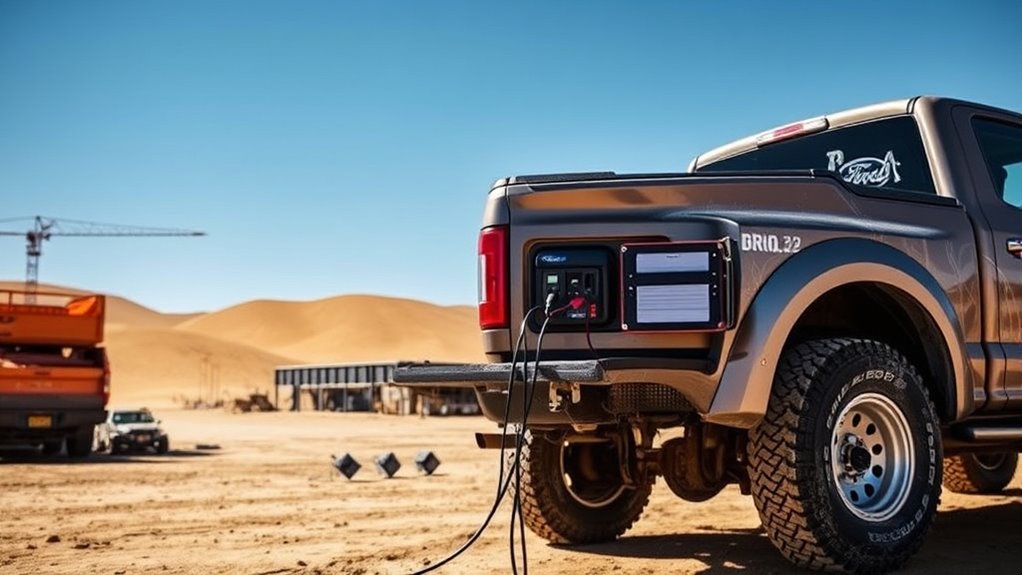

Ford’s Pro Power Onboard transforms your truck into a generator with an integrated electrical system that supplies power for tools, appliances, and electronics directly from the vehicle. Depending on the model, it offers different output levels—2.0 kW, 2.4 kW, or up to 7.2 kW—and features multiple outlets for versatile use. You control the system via dash buttons or touchscreen, ensuring safe operation. To learn how to maximize this innovative feature, keep going.
Key Takeaways
- Ford’s Pro Power Onboard integrates a built-in generator into select F-150 trucks, providing portable power in the bed and cabin.
- It offers multiple wattage options (2.0 kW, 2.4 kW, 7.2 kW) to support various tools and appliances simultaneously.
- Activation is controlled via dash button or touchscreen, with LED indicators and circuit breakers ensuring safe operation.
- The system features multiple outlets (120V and 240V), allowing the truck to power small electronics or large appliances on the go.
- Proper use involves managing load distribution, monitoring power levels, and activating “Generator Mode” for reliable, on-demand electricity.
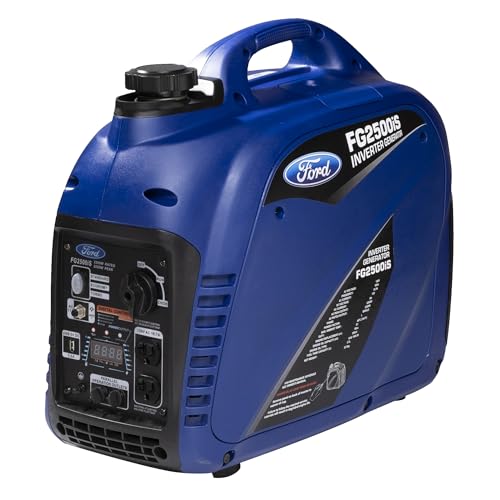
Ford 2500 Watt Gas Inverter Generator, Small Portable & Quiet, Home Use, Camping, Outdoor, CARB Compliant, Parallel Capability, Built Ford Tough, Generadores De Gasolina Silencioso, FG2500IS
Powerful Gas Generator – This 2500-watt peak, 2200-watt running generator features a 3.7L (1 gal) fuel tank and…
As an affiliate, we earn on qualifying purchases.
As an affiliate, we earn on qualifying purchases.
Understanding the Pro Power Onboard System
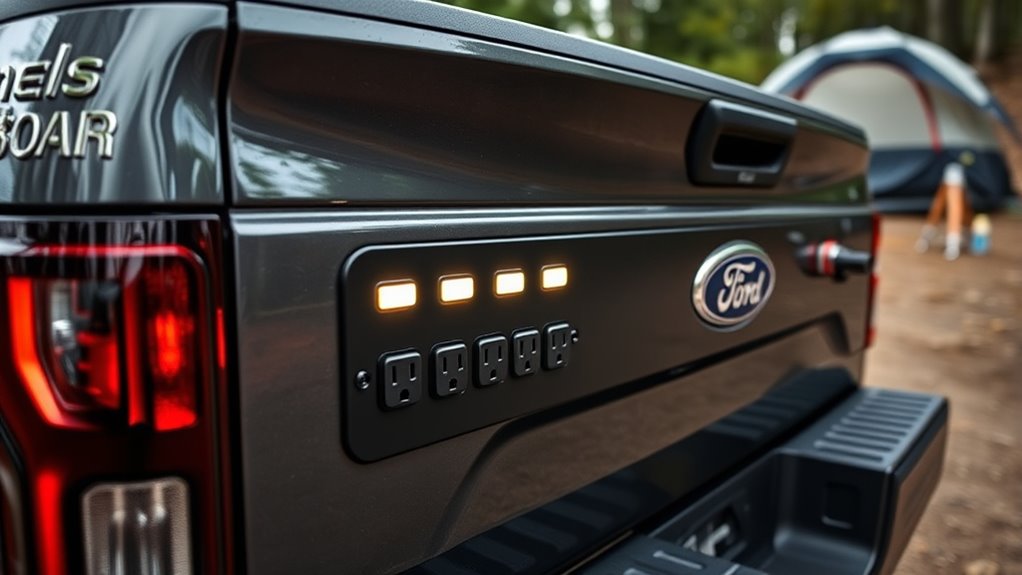
Understanding the Pro Power Onboard system begins with recognizing that it’s an integrated generator built directly into select Ford F-150 trucks. This system brings portable power directly to your truck’s bed and cabin, allowing you to run tools, electronics, and appliances anywhere. It’s designed for convenience, giving you multiple outlets—both 120-volt and 240-volt—so you can power various devices simultaneously. The system is activated through a simple dash button or touchscreen, making it easy to operate. LED indicators show the power status, and you can monitor your power draw on the display. Whether you’re on a job site, camping, or tailgating, this integrated generator offers reliable, on-demand electricity, turning your truck into a mobile power source with minimal effort. By integrating smart technology features, the system can optimize energy use and enhance safety during operation.

Pro Chaser 400W Power Inverters for Vehicles – DC 12v to AC 110v Car Inverter Converter, 6.2A Dual USB Charging Ports, Dual AC Adapter for Laptops Air Compressor
【Pro Chaser Power Inverter Basics】: This inverter provides a steady 400W of DC to AC power with a…
As an affiliate, we earn on qualifying purchases.
As an affiliate, we earn on qualifying purchases.
Available Power Output Levels and Compatible Engines
Ford offers three Pro Power Onboard output levels—2.0 kW, 2.4 kW, and 7.2 kW—that match different engine options. The 2.0 and 2.4 kW systems work with several engines, including the 2.7L V6 EcoBoost, 5.0L V8, and 3.5L V6 EcoBoost, while the 7.2 kW system is exclusive to the 3.5L PowerBoost Hybrid V6. Your choice of engine and truck trim determines the available power level and outlet configuration for your needs. Understanding power output helps ensure you select the right setup for your portable power needs.
Power Levels Offered
The Pro Power Onboard system offers three power output levels to suit different needs, each compatible with specific engine options. The 2.0 kW system provides two 120-volt outlets and is available on engines like the 2.7L V6 EcoBoost, 5.0L V8, and 3.5L V6 EcoBoost. The 2.4 kW system, standard on the 3.5L PowerBoost Full Hybrid V6, also features two outlets, offering slightly more power. The highest, 7.2 kW system, is optional on the 3.5L PowerBoost Full Hybrid V6 and includes four 120-volt outlets plus one 240-volt outlet. Your choice depends on your engine and trim, with higher power levels enabling larger tools or multiple appliances simultaneously, making your truck a versatile, mobile power station. Understanding power capacities can help you select the right system for your needs.
Engine Compatibility Details
Different engine options determine the available Pro Power Onboard output levels in your Ford F-150. If you have a 2.7L V6 EcoBoost, 5.0L V8, or 3.5L V6 EcoBoost, you can access the 2.0 kW system, providing two 120-volt outlets. The 3.5L PowerBoost Full Hybrid V6 comes standard with the 2.4 kW system, offering two outlets, with an optional upgrade to 7.2 kW for increased power. The highest capacity, 7.2 kW, is exclusive to the 3.5L PowerBoost Hybrid V6, letting you run multiple high-demand tools and appliances. Your engine choice directly influences the power output, so selecting the right engine guarantees you get the ideal level of portable power for your needs. European cloud solutions are designed to optimize energy efficiency and security in cloud infrastructure.
Output Capabilities
Have you wondered how much power your Ford F-150’s Pro Power Onboard system can deliver? The available output levels vary based on your engine choice and truck trim. Here’s what you can expect:
- 2.0 kW – Provides two 120-volt outlets, suitable for small tools and electronics.
- 2.4 kW – Slightly more power, still with two 120-volt outlets, ideal for medium loads.
- 7.2 kW – The highest capacity, with four 120-volt outlets and one 240-volt outlet, capable of running larger appliances and multiple devices simultaneously.
The system’s power output depends on your engine, with the 7.2 kW option only available on the 3.5L PowerBoost Hybrid V6. This flexibility makes your truck a versatile mobile power source for various needs. Additionally, power output levels are designed to meet different use cases, ensuring you have enough energy for both small and large applications.

20A Weatherproof Outdoor Power Outlet by Journeyman-Pro 20 Amp 110,120-125 Volt HJP-5379-GCR2 NEMA 5-20R Receptacle Kit with Integrated 20" Extension Cord + Waterproof Rubber Cover (Black)
✔ MAX POWER – Full 20 Amp – 2500 Watts 125 Volts AC, Uses 12 AWG SJT Power…
As an affiliate, we earn on qualifying purchases.
As an affiliate, we earn on qualifying purchases.
Configuring Your Outlets for Different Power Needs
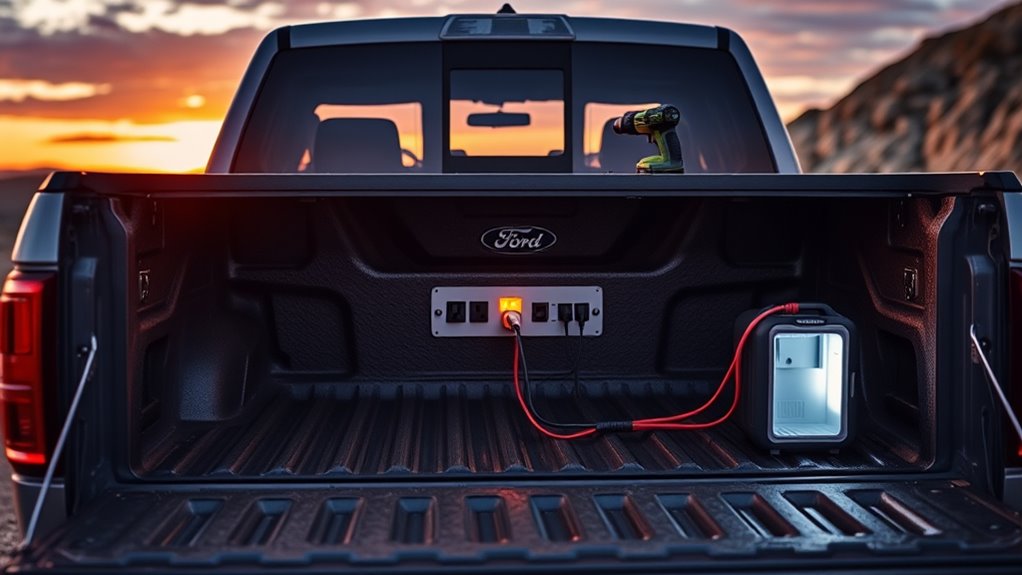
To meet your specific power needs, you’ll want to match your outlets to the tools or appliances you’re running. Adjust the power settings accordingly to make sure you don’t overload the system, especially when using high-wattage devices. By configuring your outlets properly, you can optimize performance and keep everything running smoothly. Additionally, understanding the power output limits of your truck’s outlets can help prevent potential damage or safety hazards.
Matching Outlets to Tools
Wondering how to match your tools’ power needs with the available outlets? First, check your tool’s wattage requirements. Then, select the appropriate outlet based on the system’s capacity:
- For tools under 2,000 watts, use the two 120-volt outlets in the bed when operating the 2.0 kW or 2.4 kW system.
- For higher power tools up to 6,000 watts, activate the 7.2 kW system and utilize the four 120-volt outlets or the 240-volt outlet.
- Always confirm your tool’s voltage and current ratings match the outlet specifications to prevent overloads or damage.
Matching the right outlet guarantees safe operation and maximum power delivery, whether you’re running a saw, compressor, or other equipment.
Adjusting Power Settings
Adjusting power settings on your Ford Pro Power Onboard system allows you to tailor the available outlets to meet your specific power needs. You can select different modes and monitor power usage through the touchscreen or dash controls to optimize performance and fuel efficiency. To adjust settings, activate the generator mode and choose the appropriate output level for your task. Confirm your engine and system support the desired wattage. Use LED indicators to verify outlet status and avoid overloads. Proper configuration helps prevent circuit trips and maximizes runtime. Additionally, understanding power management ensures you utilize your generator efficiently and safely. Below is a quick reference:
| Power Setting | Typical Use | Output Level |
|---|---|---|
| Eco Mode | Light loads | Reduced power |
| Standard Mode | Most tools | Full capacity |
| Max Mode | Heavy loads | Max power |

ERAYAK 2400W Portable Inverter Generator for Home Use, Super Quiet Small Generator for Camping Outdoor Emergency Power Backup, Gas Powered Engine, EPA, ECO Mode
Powerful & Clean Energy Output:2400W peak watts / 1800W running watts, delivering dependable power for RVs, camping, home…
As an affiliate, we earn on qualifying purchases.
As an affiliate, we earn on qualifying purchases.
Practical Uses for the Built-In Generator
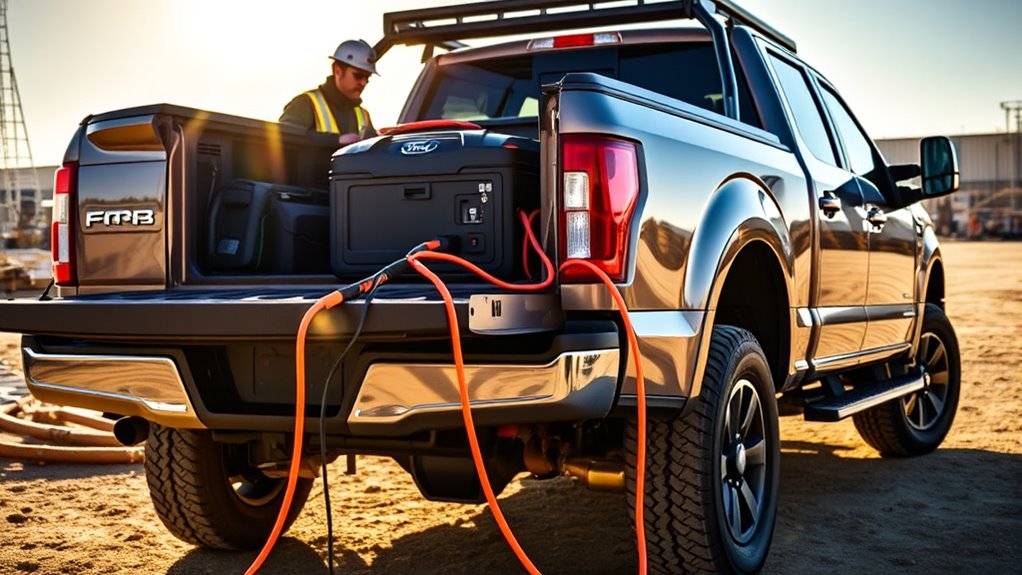
The built-in generator in Ford’s Pro Power Onboard system offers versatile solutions for a variety of practical applications. You can power several tools, devices, and appliances directly from your truck, making it ideal for work and recreation. Here are three key uses:
- Construction Tasks: Run miter saws, air compressors, or drills on-site without needing external power sources.
- Tailgating and Events: Power TVs, sound systems, and mini-fridges for outdoor gatherings or sports events.
- Camping and Off-Grid Living: Use electric grills, blenders, or portable speakers off the grid, extending your outdoor adventures. The system’s power capacity ensures you can handle multiple devices simultaneously without overloading.
With these capabilities, your truck becomes a reliable power source wherever you go, saving time and reducing the need for separate generators.
Managing Power Capacity and Runtime
Managing the power capacity and runtime of Ford’s Pro Power Onboard system guarantees you can run your tools and appliances without interruption. You’ll want to balance your power draw with the system’s limits to avoid overloads. For example, the 2.0 kW system supports up to 2,000 watts continuously, while the 7.2 kW can handle up to 7,200 watts. Monitoring your usage ensures you don’t cut your work or fun short unexpectedly. Understanding pool terminology related to power systems can help you better manage your generator’s performance.
Operating the System: Controls and Safety Features

To operate the Pro Power Onboard system safely and effectively, you should familiarize yourself with its controls and safety features. Here are the key aspects to keep in mind:
Familiarize yourself with controls and safety features for safe, effective Pro Power Onboard operation.
- Use the dash or touchscreen to activate the system, then select “Generator Mode” for full power.
- LED indicators at outlets display power status and help you monitor load levels.
- The system automatically activates circuit breakers if overloaded, protecting your truck and devices.
- Always review the affiliate disclosure and privacy policy before using the system to ensure you understand data and affiliate relationships.
Additionally, an Idle Mode reduces power draw and conserves fuel when full output isn’t needed. Always check the outlet indicators before plugging in devices, and avoid exceeding the system’s capacity. Proper operation guarantees safe, reliable power when you need it most.
Tips for Maximizing Your Truck’s Generator Capabilities
Maximizing your truck’s generator capabilities starts with understanding how to properly distribute your power load. First, identify your essential devices and their wattage requirements. Use the appropriate outlets—120V or 240V—based on your equipment’s needs. Avoid overloading by staying within the system’s continuous wattage limits: 2,000W for the 2.0 kW system, 2,400W for the 2.4 kW, and up to 7,200W for the 7.2 kW setup. Balance your power usage across outlets to prevent tripping circuit breakers. Turn off devices when not in use to conserve power and extend runtime. Monitor power draw via the touchscreen to stay within safe limits. Finally, activate Idle Mode during light loads to reduce fuel consumption and prolong your generator’s operational time.
Frequently Asked Questions
Can I Use Pro Power Onboard While Driving?
Yes, you can use Pro Power Onboard while driving, but only if your vehicle is in the correct mode. You need to activate generator mode through the dash or touchscreen, then you can power your tools or electronics on the go. Keep in mind, running the system while driving may affect fuel efficiency and engine performance, so monitor your power draw and engine status closely to avoid issues.
Is There a Way to Extend Runtime Beyond 32 Hours?
Yes, you can extend runtime beyond 32 hours by using larger fuel tanks or adding auxiliary fuel sources, which provide more fuel for the truck’s engine and generator. Managing power load efficiently also helps, so avoid overloading the system. Turning off non-essential devices and monitoring power consumption can maximize runtime. Regular maintenance ensures superior performance, helping you run Pro Power Onboard longer during extended use.
How Does the System Handle Simultaneous High-Power Appliances?
You can run multiple high-power appliances simultaneously, but the system manages load carefully. It monitors power draw and activates circuit breakers if the combined demand surpasses the system’s capacity. For example, with the 7.2 kW system, you can run several tools and appliances at once, but you should stay within the maximum wattage limits. Keep an eye on the power monitor to avoid overloading and ensure safe, continuous operation.
Can I Upgrade My Existing Truck to Add Pro Power Onboard?
You can’t upgrade your existing truck to add Pro Power Onboard, as it’s built-in technology specific to certain Ford F-150 models. Think of it like installing a new engine—it’s integrated during manufacturing. If you want this feature, you’ll need to choose a new truck equipped with Pro Power Onboard from the factory. Upgrading an existing truck isn’t feasible, so consider selecting a model that already includes this powerful, mobile generator system.
Does Using Pro Power Onboard Affect Fuel Efficiency?
Using Pro Power Onboard can impact your fuel efficiency because it requires your engine to run longer or at higher loads to generate power. When you activate the system, your truck consumes more fuel, especially at higher output levels like 7.2 kW. To minimize fuel loss, use the system only when necessary and keep an eye on your fuel gauge during heavy power demands.
Conclusion
With Ford’s Pro Power Onboard, you can easily turn your truck into a reliable generator for all your power needs. Whether you’re on a job site or camping trip, it’s designed to handle various devices and tools seamlessly. Imagine never worrying about power outages again—doesn’t that make your work or adventure more effortless? Take advantage of this innovative feature and keep your productivity or comfort running smoothly wherever you go.