To calibrate your Chevy Silverado’s tire sensors yourself, start by ensuring all tires are inflated to the recommended pressure and park on a flat surface. Turn the ignition to ON without starting the engine, then access the TPMS menu on your instrument cluster. Activate the relearn mode, usually by holding a button until a horn chirp sounds. Then, use a TPMS tool to match each sensor, making sure to check pressures afterward. If you keep following these steps, you’ll understand the process better.
Key Takeaways
- Ensure all tires are properly inflated to the recommended PSI before starting calibration.
- Access the TPMS menu via the vehicle’s instrument cluster and select the relearn mode.
- Activate each tire sensor using a TPMS tool while the vehicle is stationary with ignition on.
- Confirm sensor matching with horn chirps and complete the process for all four tires.
- Recheck tire pressures, turn off relearn mode, and verify the TPMS warning light is off.
Preparing Your Silverado for Tire Sensor Calibration
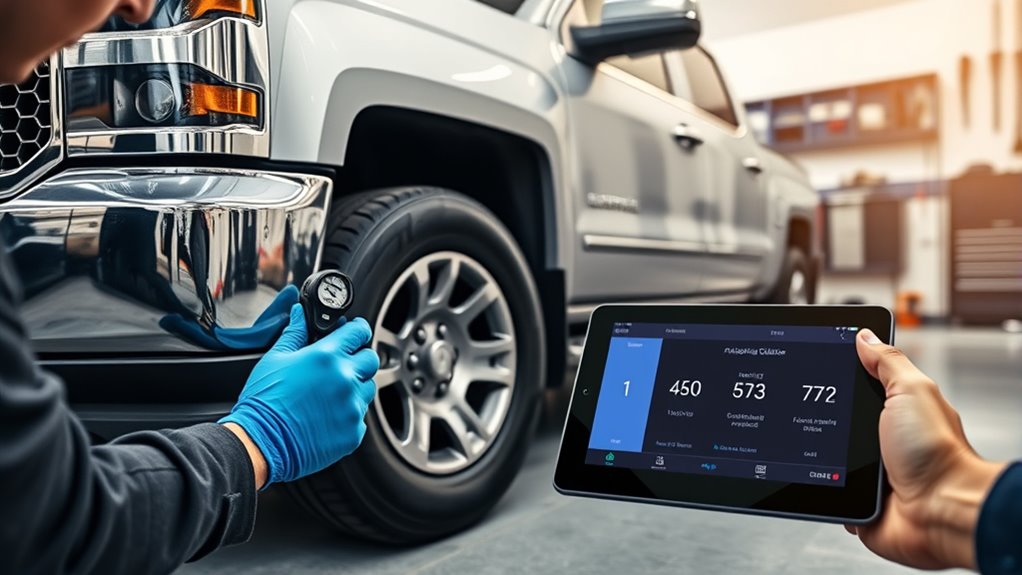
Before calibrating your Silverado’s tire sensors, you need to make certain the vehicle is properly prepared. First, check that all tires are inflated to the manufacturer’s recommended PSI—this ensures accurate sensor readings. Park your Silverado on a flat, level surface and engage the parking brake to prevent movement during the process. Turn the ignition to the ON or RUN position, but keep the engine off. Confirm that the tire pressure is correct for each tire, as under- or over-inflation can interfere with calibration. It’s also helpful to gather any necessary tools, like a TPMS relearn device, since some models require it. Additionally, understanding the sensor system helps you better troubleshoot any issues that may arise during calibration. Properly maintaining tire pressure is essential for sensor accuracy, which can save you time and prevent further issues. Regularly checking your vehicle’s tire maintenance practices ensures the sensors function reliably over time. Being familiar with the security zone info can also help you understand any vehicle security features that might influence calibration procedures. By completing these steps, you set a solid foundation for a smooth and successful tire sensor calibration.
Accessing the Tire Pressure Monitoring System Menu
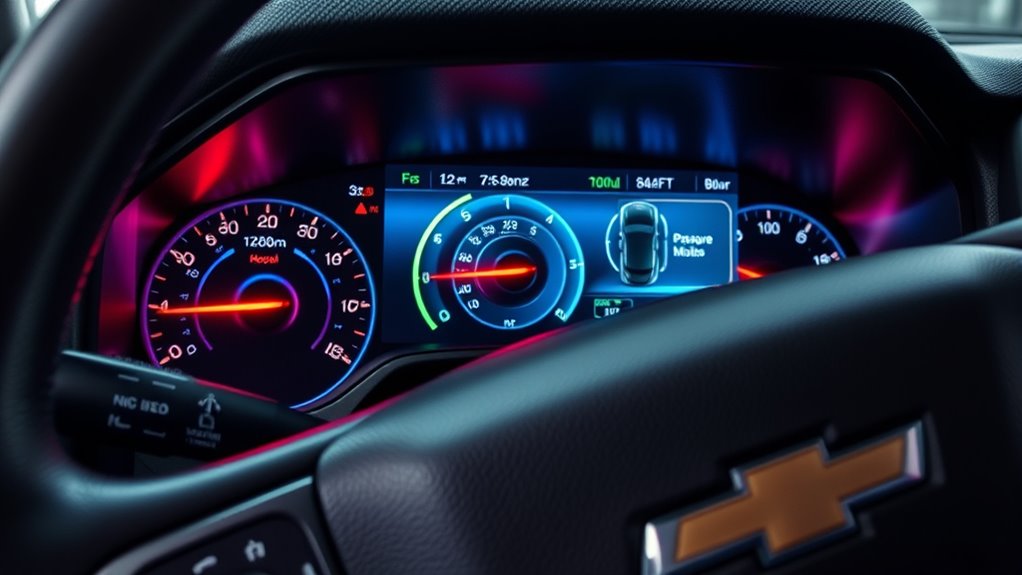
To access the TPMS menu, turn on your Silverado’s ignition without starting the engine. Use the buttons on the instrument cluster to navigate through the Driver Information Center (DIC). Locate the Tire Pressure option to begin the calibration process. You may also need to ensure your tire pressure sensors are functioning correctly for accurate readings. Regularly checking the net worth of your vehicle’s components can help maintain optimal performance and safety. Additionally, understanding vehicle tech basics can make troubleshooting easier and ensure your system stays calibrated. Being aware of affiliate disclosure policies can also help you make informed decisions when purchasing replacement parts or tools. For example, staying informed about waterpark amenities can be helpful if you’re planning a family trip to enhance your overall experience.
Navigating the DIC Menu
Accessing the Tire Pressure Monitoring System (TPMS) menu through the Driver Information Center (DIC) is a straightforward process that allows you to view tire pressures and initiate sensor calibration. To begin, turn your ignition to the ON/RUN position without starting the engine. Locate the DIC buttons on your steering wheel or dashboard, usually near the speedometer. Press the “Menu” or “Info” button to cycle through options until you see the Tire Pressure menu displayed. Use the arrow buttons to navigate within the menu, selecting “Tire Pressure” or similar. Once there, you can check individual tire pressures and access calibration options. Make sure your vehicle is parked and all tires are properly inflated before proceeding with sensor relearning or calibration. Understanding the role of nanotechnology in sensor development can enhance your knowledge of tire sensor technology. Incorporating advanced sensor technologies into your calibration process can improve accuracy and responsiveness for your Chevy Silverado. Additionally, ensuring your sensors are compatible with European cloud-based diagnostics can streamline the process and provide real-time data updates.
Using Instrument Cluster Buttons
Using the instrument cluster buttons to access the Tire Pressure Monitoring System (TPMS) menu is a simple process that allows you to view tire pressures and initiate calibration. First, turn the ignition to the ON/RUN position without starting the engine. Locate the buttons on the steering wheel or dash—these are typically labeled with icons or words like “Menu,” “Info,” or “Set/CLR.” Press the appropriate button to cycle through the instrument cluster display until you see the TPMS or Tire Pressure menu. Once there, you can review current tire pressures or prepare for sensor re-learning. Understanding the TPMS system helps ensure accurate tire pressure readings and proper calibration. Before proceeding, ensure your vehicle has a recent tire pressure check to confirm all tires are properly inflated, which is essential for accurate sensor calibration. Proper tire pressure is vital for vehicle safety and optimal performance. Make sure your vehicle is parked, with the parking brake engaged, and all tires properly inflated before proceeding with calibration steps. Additionally, familiarizing yourself with the instrument cluster controls can make the calibration process smoother.
Locating Tire Pressure Option
Once you’ve located the instrument cluster buttons, the next step is to find the Tire Pressure Monitoring System menu. Press the appropriate button—often the “Menu” or “Info” button—until the display shows the TPMS options. Use the arrow buttons to navigate through the menu options, looking for “Tire Pressure” or “TPMS.” Select it by pressing the check or SET button. A new sentence with system settings and the rest of the sentence. This menu allows you to access and initiate the calibration process efficiently. Additionally, understanding sensor calibration techniques can help ensure accurate tire pressure readings. Familiarizing yourself with system diagnostics can further optimize your calibration process and maintain optimal tire performance. Knowing how to interpret diagnostic codes can also assist in troubleshooting sensor issues effectively. Recognizing sensor alignment is crucial for precise calibration and reliable sensor readings.
Initiating the Relearn Mode and Confirming the System Is Ready
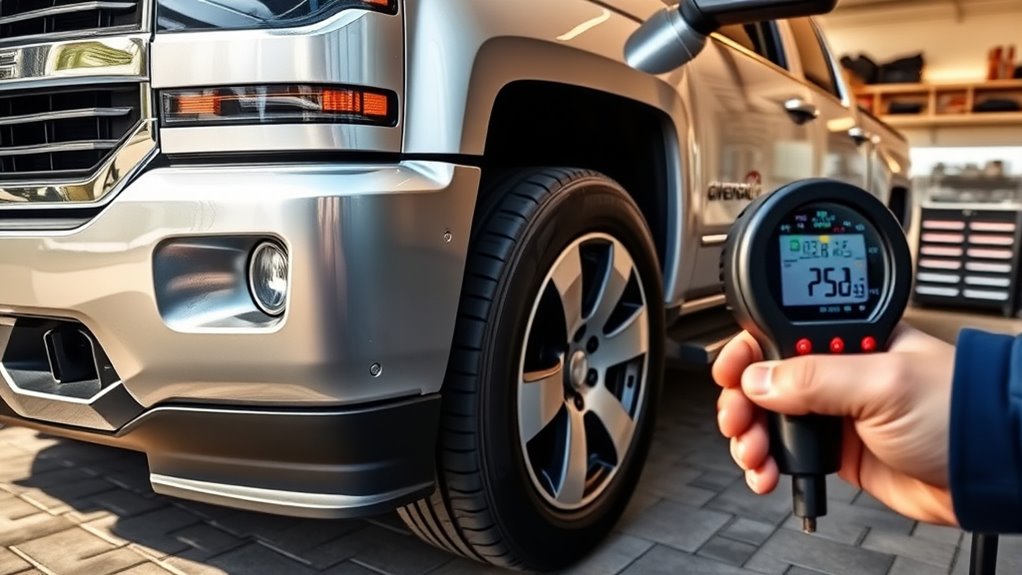
To start, turn your ignition to the ON position without starting the engine, ensuring the vehicle is ready for the process. Next, access the Tire Pressure menu on your dashboard to prepare for the relearn mode. Once there, activate the relearn function, and you’ll hear a horn chirp, indicating the system is ready to match each sensor.
Turn Ignition to ON
Turning the ignition to the ON/RUN position is the first step in initiating the TPMS relearn mode. This powers up the vehicle’s electronics without starting the engine, allowing the system to prepare for sensor calibration. When you turn the key, the dashboard lights should illuminate, confirming the system is active. At this stage, verify all tires are properly inflated to the recommended PSI. Ensuring the vehicle’s electronic system is fully operational is essential before proceeding with sensor matching.
Access Tire Pressure Menu
After confirming the vehicle is in the ON/RUN position with all tires properly inflated, you need to access the Tire Pressure menu on the driver information display. To do this:
- Use the steering wheel controls to navigate through the menu options.
- Press the arrow buttons until you highlight the “Tire Pressure” or “TPMS” menu.
- Select this option by pressing the checkmark or SET/CLR button.
- Confirm that the system displays the “Relearn Tire Positions” or “Tire Learning Active” message, indicating it’s ready for sensor matching.
This step guarantees the vehicle’s system is prepared to recognize new sensor data. Once confirmed, proceed to activate the relearn mode as instructed.
Activate Relearn Mode
Once you’ve accessed the Tire Pressure menu and confirmed that the system is ready, you need to activate the relearn mode. To do this, press and hold the SET/CLR or checkmark button until you see the “Relearn Tire Positions” or “Tire Learning Active” message on the display. When the system enters relearn mode, the horn will chirp twice, signaling it’s prepared to accept new sensor data. Make sure all four tires are properly inflated to the recommended pressure before proceeding. Confirm that the vehicle remains stationary, with the parking brake engaged and the ignition in the ON/RUN position. Once the horn chirps, you can start matching each sensor to its tire position. This step ensures the system recognizes the sensors correctly for accurate monitoring.
Matching Each Tire Sensor Using the TPMS Tool
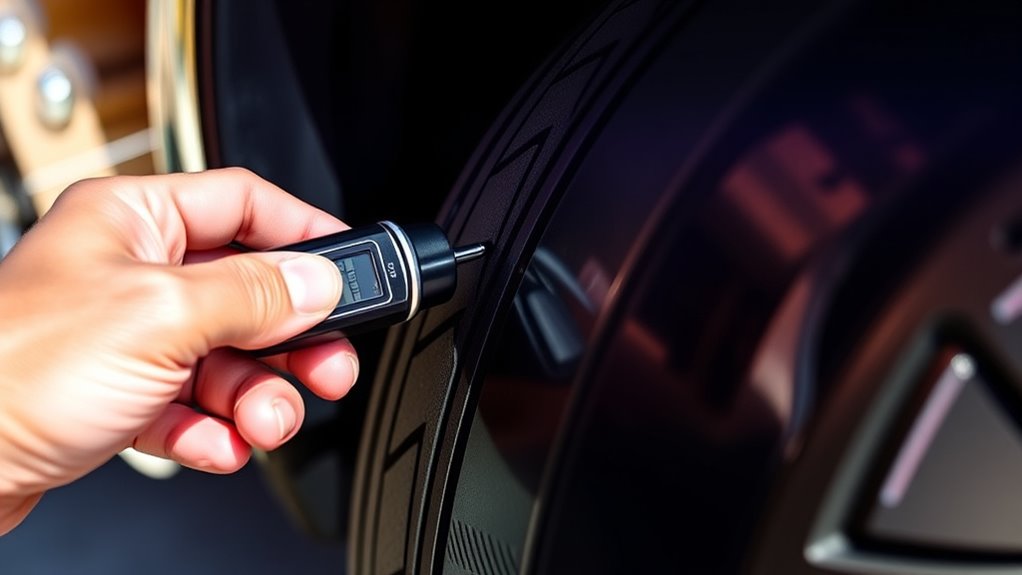
To match each tire sensor using the TPMS tool, start by making certain the vehicle is parked with the ignition in the ON/RUN position and the parking brake engaged. Once ready, follow these steps:
- Remove the valve cap from the tire you’re working on.
- Use the TPMS tool to activate the sensor by pressing and releasing the button at the valve stem.
- Wait for a horn chirp, confirming the sensor has been matched.
- Repeat the process for each remaining tire, following the sensor matching sequence.
- During this process, ensure your vehicle is on a flat surface to facilitate accurate sensor calibration and proper tire pressure reading.
This method guarantees each sensor transmits accurate data to the system. Be patient, and make sure each sensor responds with the horn chirp before proceeding. Proper matching ensures reliable TPMS operation.
Completing the Calibration and Verifying Tire Pressures
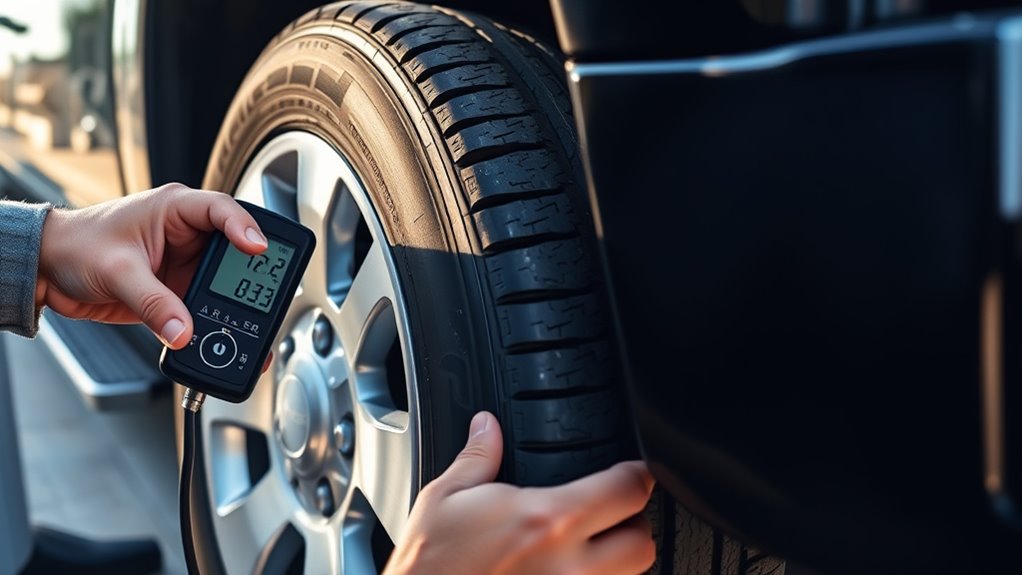
With all sensors matched, it’s time to complete the calibration process and verify that your tire pressures are correct. First, turn off the ignition to exit the sensor learning mode. Then, recheck each tire’s pressure with a reliable gauge, inflating or deflating as needed to reach the manufacturer’s recommended PSI. Start your vehicle and confirm the TPMS warning light is off. Check the Driver Information Center (DIC) or instrument cluster for accurate tire pressure readings. If pressures are correct and the warning light is gone, the calibration is complete. If the warning persists, reinitiate the calibration process or inspect sensors for faults. Properly calibrated sensors ensure your tire pressures are accurately monitored, keeping your Silverado safe and efficient.
Troubleshooting Common TPMS Calibration Issues
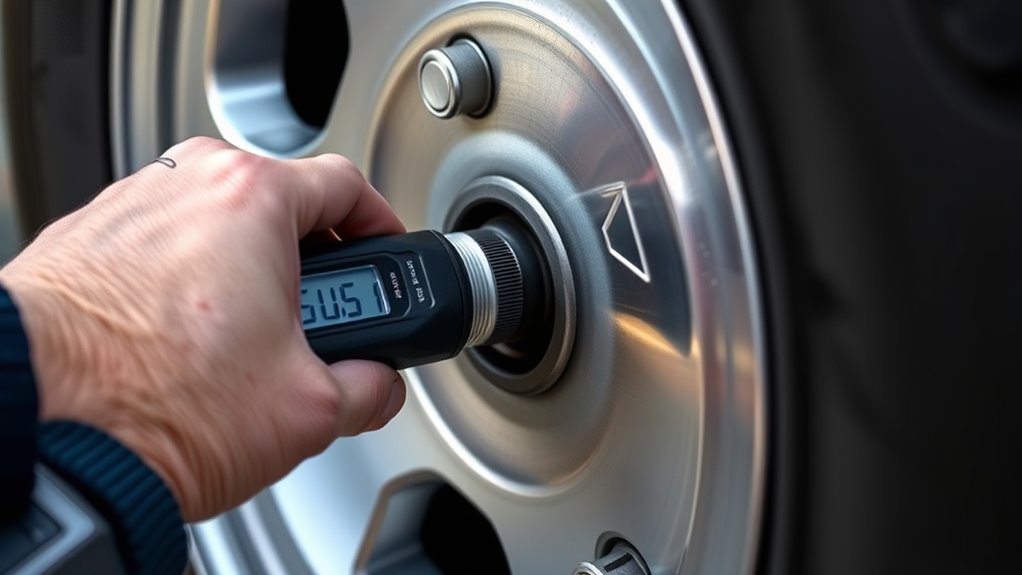
When your Silverado’s TPMS warning light stays on despite completing the calibration, you need to troubleshoot the issue promptly. First, verify all tires are at the correct pressure, as under- or over-inflated tires can prevent proper sensor matching. Second, confirm that you followed the calibration steps within the specified time window. Third, check for faulty sensors—age, damage, or weak batteries can cause mismatches. Fourth, validate that the TPMS tool correctly activated each sensor; a malfunctioning tool or incorrect procedure can hinder calibration. If these steps don’t resolve the issue, consider reattempting the process or inspecting sensors for damage. Persistent warning lights may indicate sensor failure or a system fault requiring professional diagnosis.
Tips for Maintaining Accurate Tire Sensor Readings
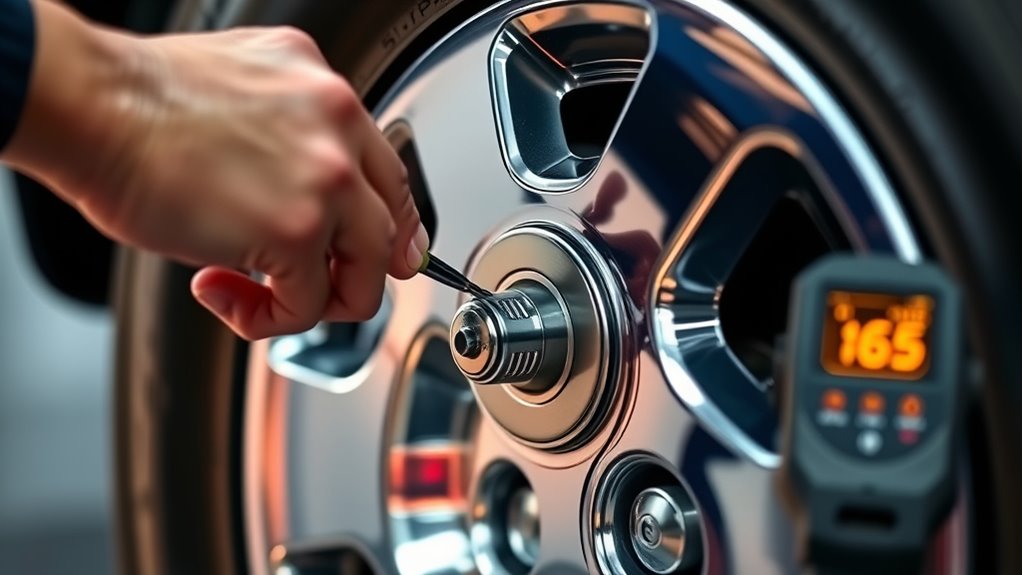
Maintaining accurate tire sensor readings is key to guaranteeing your Silverado’s TPMS functions properly and keeps you safe on the road. Regularly check tire pressures with a reliable gauge, especially before long trips or seasonal changes, to confirm they match the manufacturer’s recommended PSI. Avoid sudden temperature fluctuations that can affect pressure readings; recheck and adjust if needed. Keep sensors clean and free of dirt or debris around the valve stems, which can interfere with signals. When rotating tires, always recalibrate or relearn sensor positions promptly to prevent false warnings. If you notice inconsistent readings or warning lights, inspect sensors for damage or corrosion, and consider replacing old batteries. Proper maintenance helps ensure your TPMS remains accurate and reliable over time.
Frequently Asked Questions
How Often Should I Recalibrate My Silverado’s TPMS Sensors?
You should recalibrate your Silverado’s TPMS sensors whenever you rotate or change your tires, replace sensors, or install aftermarket wheels. Also, recalibrate if you notice warning lights or inaccurate pressure readings. It’s a good idea to verify the system annually or after any tire service. Regular calibration ensures your sensors work correctly, keeping you informed about your tire pressure and ensuring safe driving.
Can I Calibrate TPMS Sensors With Aftermarket Wheels?
Absolutely, you can calibrate TPMS sensors with aftermarket wheels, but it’s like fitting a square peg in a round hole—you might need extra steps. Make certain all sensors are compatible and properly installed. Use a TPMS relearn tool, follow the calibration process carefully, and double-check tire pressures. Sometimes, aftermarket wheels require reprogramming or sensor replacement. If problems persist, consult a professional to avoid any warning lights or inaccurate readings.
What Should I Do if the TPMS Warning Light Stays on After Calibration?
If the TPMS warning light stays on after calibration, first double-check all tire pressures to make sure they’re at the recommended levels. Next, verify that each sensor was correctly matched during the process. If the light remains, inspect the sensors for damage or battery issues, especially on older units. Sometimes, you need to repeat the calibration. If it still doesn’t reset, consider visiting a professional for diagnostics or sensor replacement.
Are There Differences in Calibration Procedures Between Silverado Models?
You’ll find that calibration procedures can vary slightly between Silverado models due to different year ranges and onboard systems. Always check your specific model’s manual, as some may have integrated calibration options or require different tools. Despite these differences, the core process—setting the system, matching sensors, and verifying—remains similar. Confirming compatibility guarantees your calibration is successful, avoiding persistent warning lights or sensor issues.
How Do I Know if a Sensor Is Faulty During Calibration?
You’ll know a sensor is faulty if, during calibration, it doesn’t chirp when activated or if the horn doesn’t sound twice as expected. Additionally, persistent warning lights after completing the process or inconsistent pressure readings indicate a problem. Sometimes, faulty sensors won’t respond to reprogramming, and you might need to replace them. Always double-check sensor connections and battery life before concluding a sensor is defective.
Conclusion
With your Silverado’s tire sensors calibrated, you’re now back in the driver’s seat, confident that every trip is safer and smoother. Think of it as fine-tuning a symphony—each sensor working in harmony to keep you on the road. Regular maintenance and quick recalibrations guarantee your tire system sings its perfect tune, giving you peace of mind and control over every mile ahead. Drive confidently, knowing your tires are perfectly in tune.