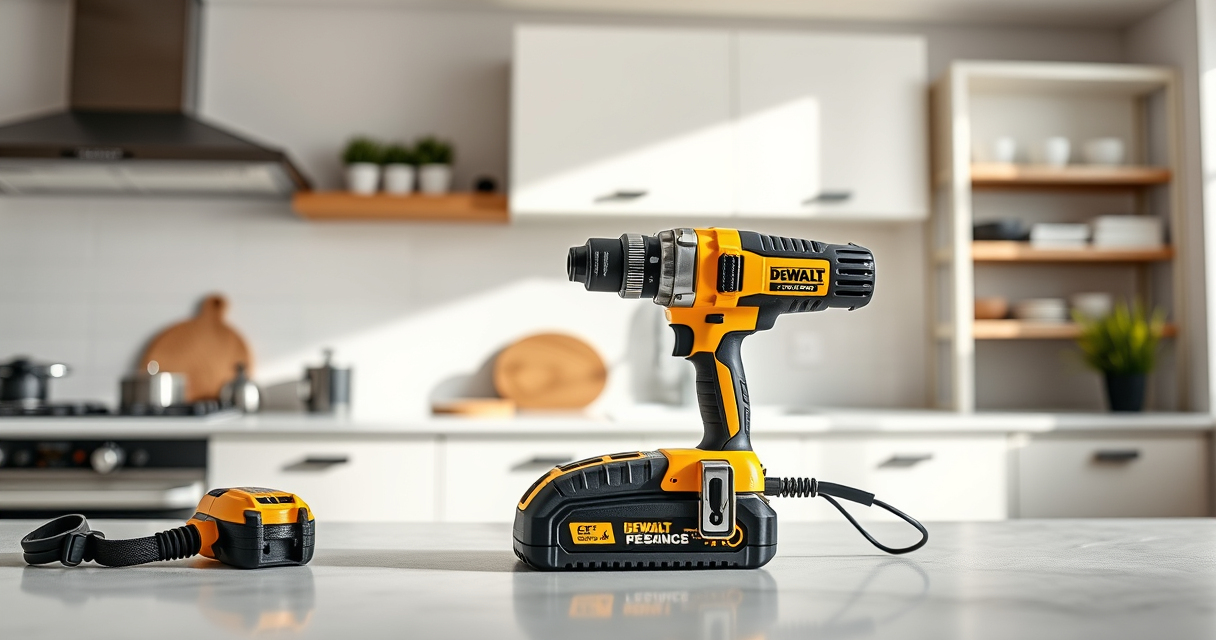
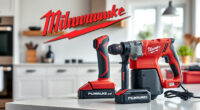
Keeping your DEWALT XR Impact Driver clean is essential for maintaining its performance and extending its lifespan. Dirt, debris, and dust can clog vents and affect the impact mechanism. In this guide, you’ll find clear, practical steps to clean your impact driver safely without damaging its components.

Get business pricing on garage and car supplies
- Business-only prices and quantity discounts
- Tax-exempt purchasing
- Multiple users, one account, clear invoices
Always ensure the tool is powered off and disconnected from the battery before cleaning. Regular maintenance helps prevent malfunctions and keeps your tool ready for any project.
Key Takeaways
| Safety First | Always disconnect the battery before cleaning to prevent accidental activation. |
| Use Proper Tools | Use a soft brush and compressed air for cleaning, avoiding harsh chemicals. |
| Clean Vents and Air Slots | Dust buildup can impair cooling; clean vents regularly. |
| Inspect and Lubricate | Check for debris in the impact mechanism and apply appropriate lubricant if needed. |
| Routine Maintenance | Clean your impact driver after heavy use to maintain optimal performance. |
Preparation Before Cleaning
- Remove the battery from the impact driver to ensure safety.
- Gather cleaning supplies: a soft brush, compressed air, and a clean cloth.
Cleaning the Exterior
- Use a dry, soft cloth to wipe down the exterior surface.
- Gently brush away dust and dirt from vents and air slots using a soft brush.
Cleaning the Impact Mechanism
Carefully inspect the impact area for debris. Use compressed air to blow out dust from inside the impact chamber. Do not insert objects into the mechanism to avoid damage.
Lubrication and Final Check
If your impact driver has a lubrication point, apply a few drops of lightweight, machine-grade oil as recommended by DEWALT. Reassemble and test the tool to ensure smooth operation.
Reassembly and Testing
- Ensure all parts are dry and free of debris.
- Reconnect the battery and test the impact driver on a scrap piece to check performance.
The Products in This Guide

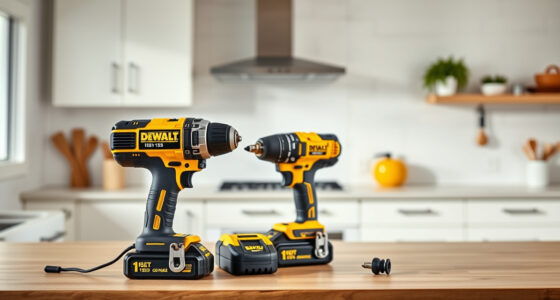
DEWALT 20V MAX Cordless Drill and Impact Driver
- ✔ Length: 7.6 inches
- ✔ Material: High-quality plastic and metal
- ✔ Color: Yellow and black

DEWALT Drill Bit Set
- ✔ Size Range: Various sizes
- ✔ Coating: Rust-resistant
- ✔ Warranty: N/A
DEWALT 20V MAX Cordless Drill and Impact Driver
The DEWALT 20V MAX Cordless Drill and Impact Driver set is a versatile and reliable tool. Regular cleaning ensures it stays in top shape, especially given its compact, ergonomic design.
Pros:
- Durable construction
- Easy to clean exterior
- Reliable impact mechanism
- Compatible with 20V MAX batteries
Cons:
- Requires careful handling during internal cleaning
- Limited detailed guidance on internal lubrication
Best for: Homeowners and professionals who use their impact driver frequently and want to maintain peak performance
Not ideal for: Users who prefer minimal maintenance or infrequent use
Bottom line: Regular cleaning keeps your DEWALT impact driver performing reliably for years.
DEWALT Drill Bit Set
The DEWALT Drill Bit Set complements your impact driver perfectly, making routine maintenance and bit changes quick and easy. High-quality steel ensures durability.
Pros:
- 14 versatile bits included
- High-speed steel for durability
- Tapered web for strength
- Easy identification of sizes
Cons:
- Bits may be too large for very fine work
- Set does not include specialty bits
Best for: DIY enthusiasts and professionals seeking reliable drill bits
Not ideal for: Users needing a wider variety of specialty bits
Bottom line: A durable, versatile drill bit set that enhances your drilling tasks.
Frequently Asked Questions
Can I use water or harsh chemicals to clean my impact driver?
No, water and harsh chemicals can damage the electronic components and plastic parts. Use only dry or slightly damp cloths and compressed air.
Is it safe to lubricate the impact mechanism during cleaning?
Yes, if your tool’s manufacturer recommends lubrication, use a lightweight machine oil sparingly. Avoid over-lubricating to prevent dirt buildup.
How often should I clean my impact driver?
Regular cleaning after heavy use or exposure to dust and debris helps maintain performance. For frequent users, a monthly cleaning schedule is recommended.
What should I do if my impact driver still performs poorly after cleaning?
Check for internal damage or worn parts. If problems persist, contact DEWALT customer service or a professional repair technician.
Keep Your DEWALT Impact Driver in Peak Condition
Regular cleaning and maintenance of your DEWALT XR Impact Driver ensure it remains reliable and efficient for all your projects. Following these simple steps will help you avoid costly repairs and keep your tool performing at its best for years to come.
Affiliate disclosure: As an Amazon Associate we earn from qualifying purchases. Prices and availability are accurate as of the time of publishing.
Halloween Picks
halloween
As an affiliate, we earn on qualifying purchases.